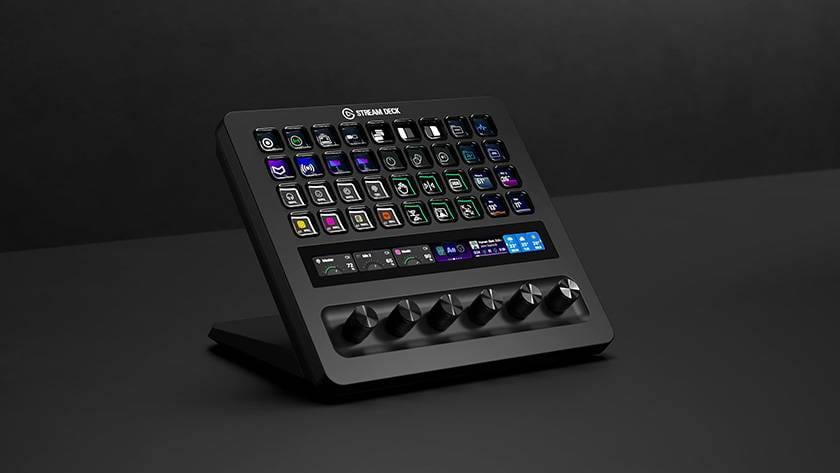
Stream Deck, popular among streamers, gamers, and creators, has released a new model: the "Stream Deck + XL." In this review, I will be providing an in-depth look at their new device. I hope this article serves as a helpful reference before you make a purchase!
Contents
- Product Overview
- Comparison Table
- Specifications
- Product Features
- Exterior
- Included Accessories
- Size
- App
- Usage Experience
- Recommended For These People!
Product Introduction
What is Stream Deck + XL?
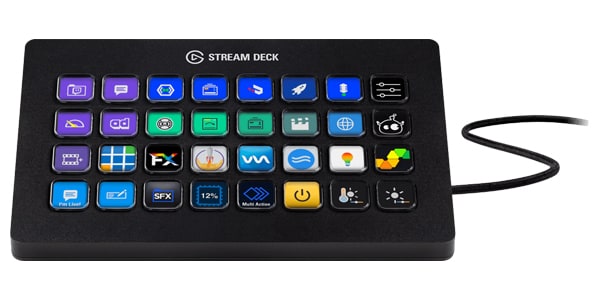
The Stream Deck + XL is a control device equipped with a variety of customizable controls and real-time information monitoring, allowing you to manage your entire production and system from a single, user-friendly platform.
With drag-and-drop configuration on PC and Mac, it can integrate a wide range of tools, from DAWs to camera equipment and creative apps. The 36 macro keys and 6 multifunctional dials help streamline your workflow, while the touch strip display instantly shows important information. With optional accessories, connectivity can be further expanded, allowing you to remotely control the Stream Deck + XL over a network or use it as a USB hub. This is the Stream Deck designed to accommodate the largest workflows.
So, what exactly can it do? Below are some key examples. By using the dedicated app, you can assign various combinations to the control keys, allowing you to perform a wide range of actions—there are so many that I can’t possibly list them all in this blog!
- Execute shortcuts like copy-paste or screenshots with a single button press
- Paste templates
- Adjust PC volume
- Check system information (such as CPU usage and storage remaining)
- Start/stop streaming or recording on OBS
Compared to previous models, the addition of 36 control keys and 6 control knobs is particularly appealing. This upgrade significantly improves usability. If you’ve wanted control knobs but were concerned about the number of keys, the Stream Deck + XL is sure to solve that problem!
 |
 |
 |
|
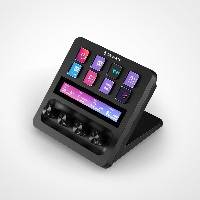
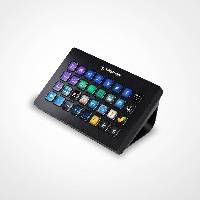
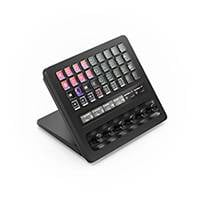
| Stream Deck + | Stream Deck XL | Stream Deck + XL | |
| Control Keys | 8 | 32 | 36 |
| Control Knobs | 4 | - | 6 |
| Panel | 〇 | - | 〇 |
[Specifications]
- Keys: 36 customizable LCD keys
- Dials: 6 × 360° encoders with push function
- Touch strip dimensions: 161 × 14 mm
[System Requirements]
- Windows 11 or later
- macOS 13 or later
- USB-C 3.0 port
[Product Dimensions / Weight]
- Dimensions: 205 × 147 × 175 mm
- Weight: 1,085 g
[Included Items]
- Stream Deck + XL
- USB C-to-C cable (150 cm)
Product Features
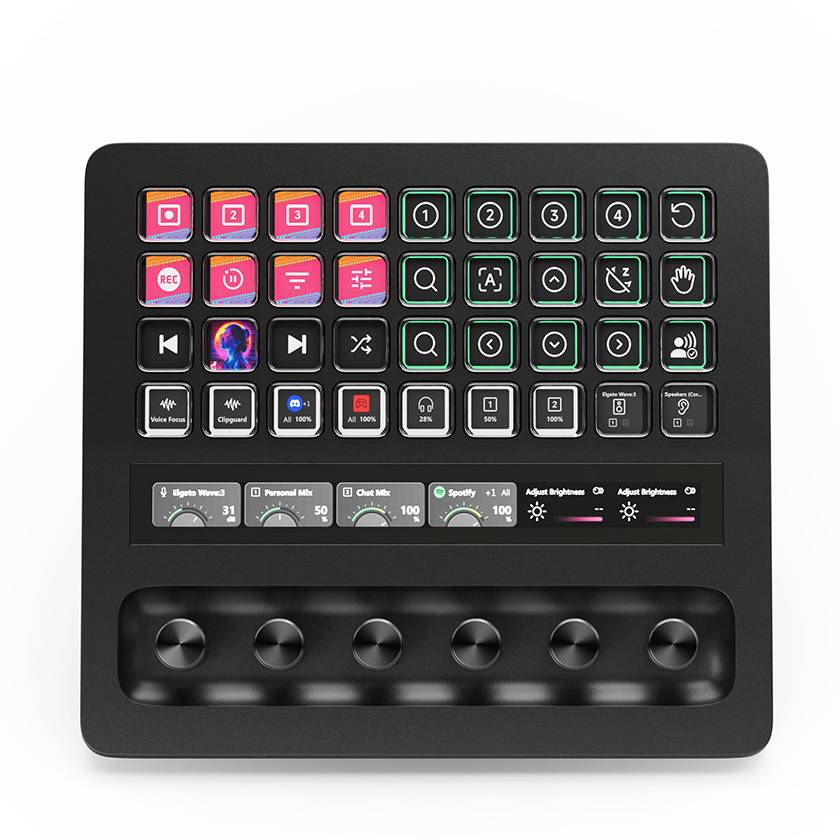
1. 36 macro keys: Execute commands and control tools with a single touch
2. 6 multifunction dials: Enable precise and quick adjustments
3. Touch strip display: Check important information at a glance
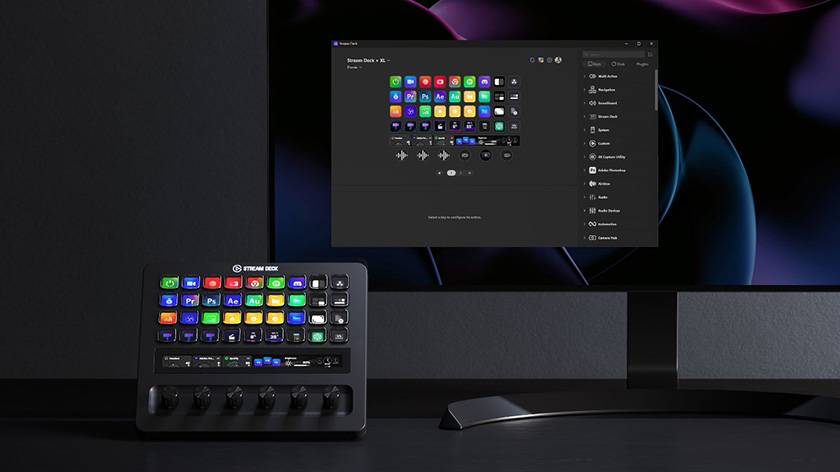
4. Full customization support: Freely configure settings using the Stream Deck app
5. Hundreds of integrations: Connect with major apps and devices
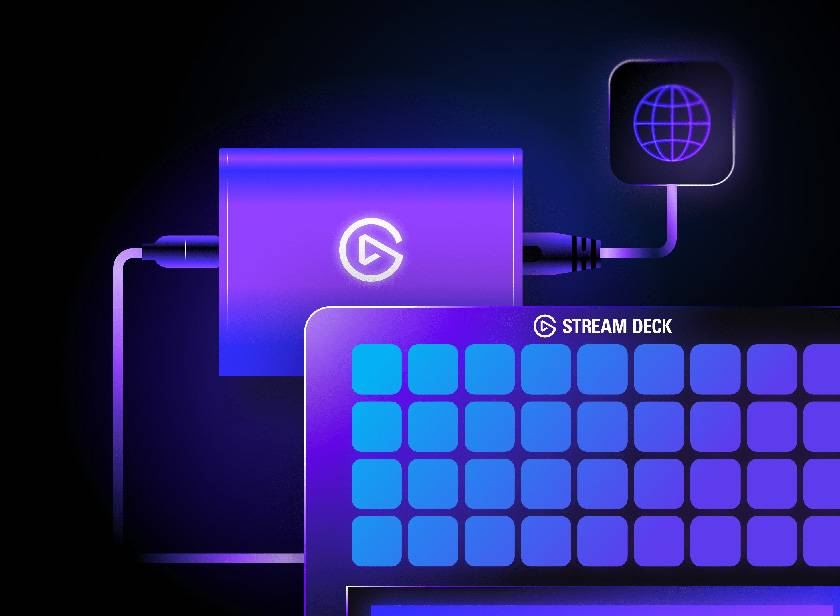
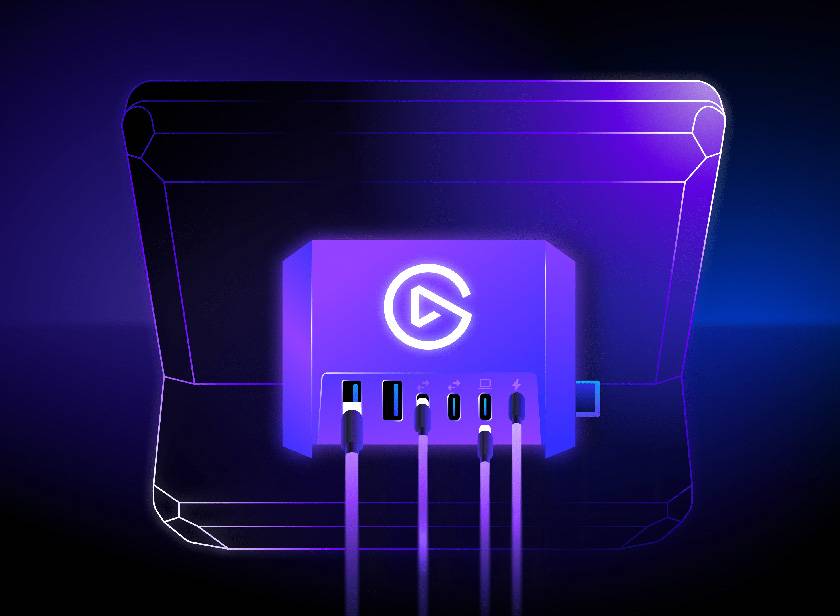
6. Optional accessories: Expand connectivity with the USB Hub and Network Dock
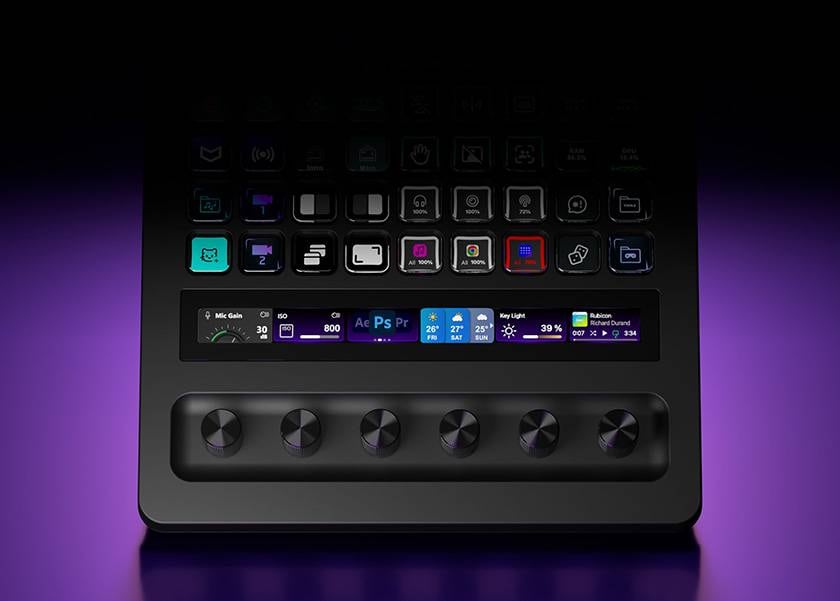
7. Multi Actions: Automate complex operations with a single touch
8. Quick navigation: Move to additional pages with swipe gestures
9. Action Trigger: Control multiple actions with a single dial
10. Custom profiles: Create optimal layouts for each workflow or user
Real Device Introduction
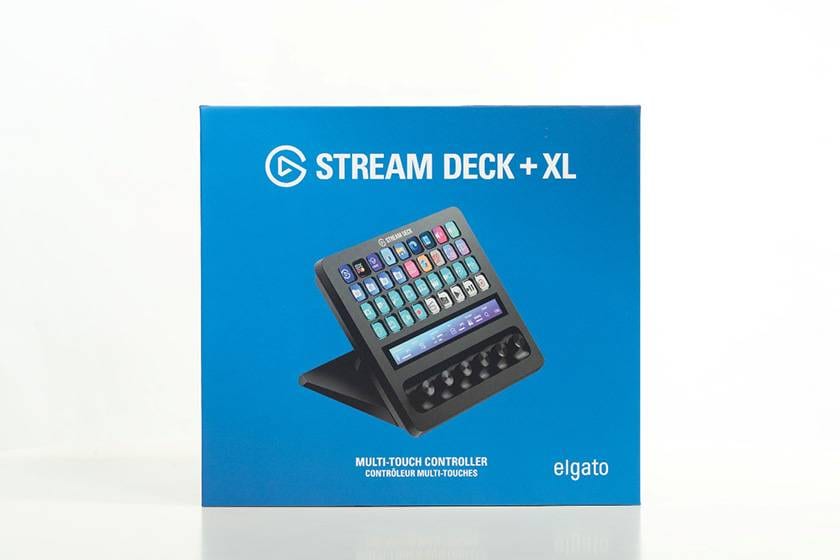
The first thing that surprised me when it arrived was its size. The outer box measures about 226 × 250 × 166 mm, which is quite large. I even wondered if this was the box Sound House normally uses for shipping! (laugh)
Inside the box, just as it’s shown on the product page, are the main unit and a Type-C cable. One thing people often care about when buying an audio interface or mixer is the length of the included cable. Since it’s 150 cm long, I think it allows for quite a bit of flexibility when arranging your setup.
- Stream Deck + XL
- USB C-to-C cable (150 cm)
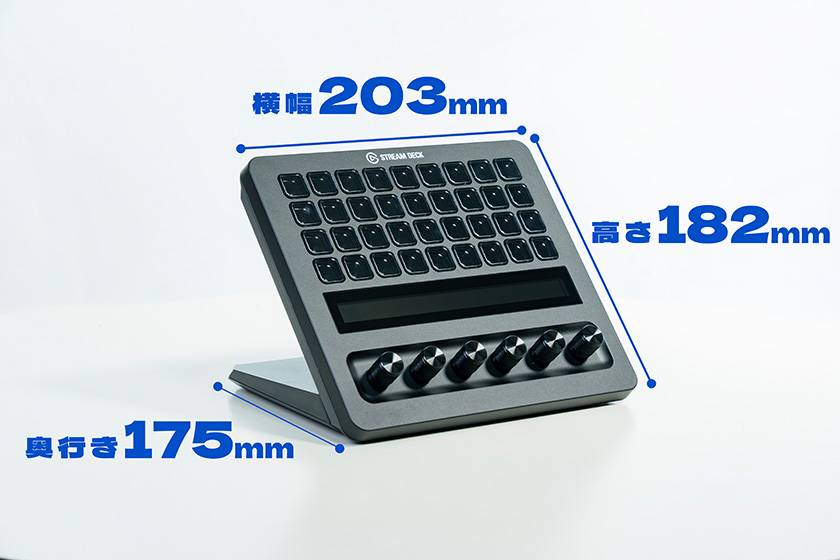
The main unit itself measures approximately 205 × 182 × 180 mm. Since it has become more multifunctional compared to previous models, the size has also increased. If you have a small desk or already have other peripheral devices on it, this is definitely something you’ll want to check before purchasing.
Now, let’s try connecting it!
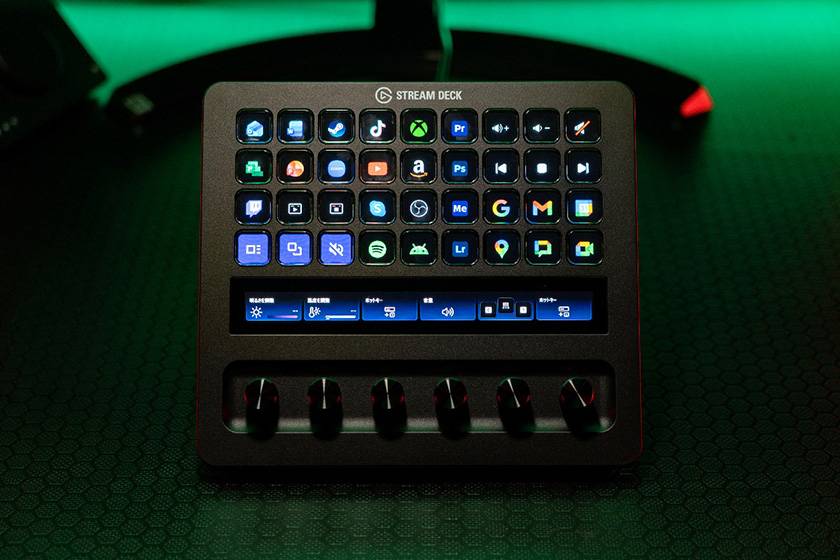
When connected, the Elgato logo first appears on the panel. Also, please note that if the device is not recognized by the app, nothing will be displayed on the control keys!
The image above shows what the device looks like after configuration in the app.
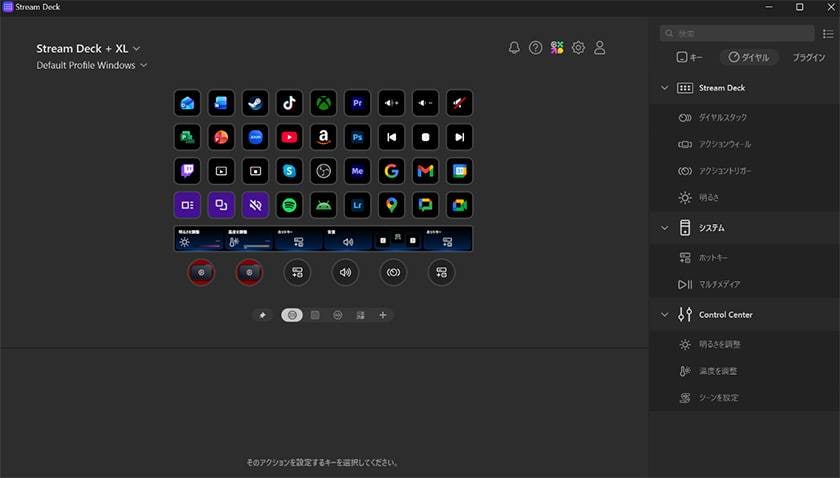
The app is so easy to use that even staff with no PC knowledge can set it up easily, so I highly recommend finding your ideal settings. You can find many articles and videos online that cover settings and operations, and I think that’s one of the reasons why Stream Deck has been loved for such a long time.
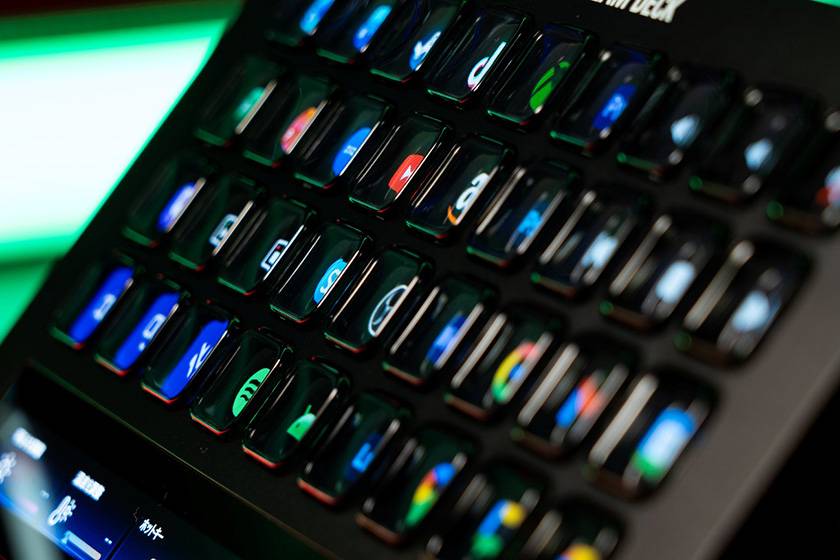
As for the button feel, I think it’s a good balance. I also tried the Stream Deck XL at the company office, and the button feel was the same. I believe all Stream Deck models feel similar in that regard.
Although I occasionally see reviews saying the button feel is bad, personally, it’s not overly clicky, but not completely soft either. I’d describe it as “poky” (laughs).
The back of the device has anti-slip pads, and because it’s larger and heavier than previous models, it doesn’t seem to shift when you press a button. However, depending on the material of your desk or mat, there may still be some slipping.
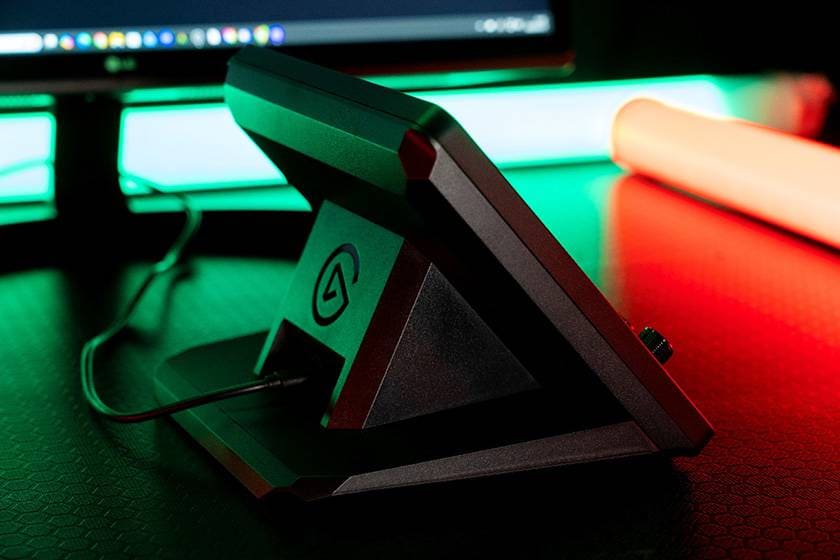
With the Stream Deck XL, the main unit and stand were separate, but with the Stream Deck + XL, the unit and stand are integrated, making it much easier to set up. You won’t have to worry about it coming off the stand when you try to adjust its position!
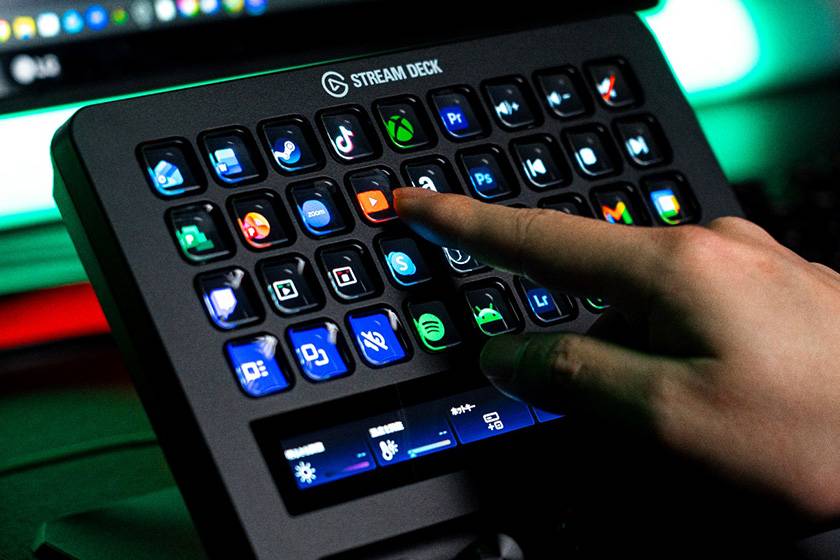
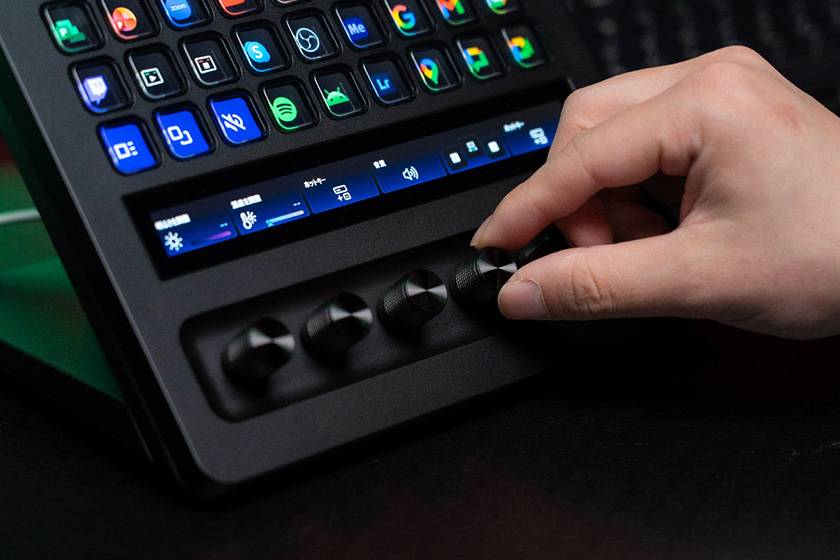
Released on Friday, March 13, 2026, the Stream Deck + XL is, without a doubt, the best model yet in every aspect, as can be seen from the specs.
Whether you’re a gamer, a streamer who prioritizes knobs and panels, an editor or a DAW user who values the number of control keys, I highly recommend this device for both types of users.
Recommended For:
- People who use a lot of shortcuts in editing, DAW work, or office tasks
- Those who want to make their streaming or gaming controls more compact
- Anyone who just wants to make their desk setup look cool

Finally
What do you think? This time, I focused on things that can only be understood by actually trying the device, so I wrote this blog from that perspective. Going forward, I plan to study more about the Stream Deck device and share my thoughts on its most valuable features in the future!
Thank you for reading until the end! I look forward to seeing you again in the next blog!



![[2025 Latest Edition] 4 Truly Recommendable Gaming Mice - Honest Review](/contents/uploads/thumbs/2/2025/9/20250930_2_33042_1.jpg)

![[2024] 15 Recommended Equipment for Online Broadcasting! Get Started with Live Streaming/Gaming/Podcasting!](/contents/uploads/thumbs/2/2021/12/20211214_2_15561_1.jpg)
 ライブ配信に必要な機材
 ライブ配信に必要な機材を徹底解説 オンラインライブの創り方
 初心者向けUSBマイクの選び方
 配信・ポッドキャスト特集!(ライブ/動画/ゲーム実況)
 ニコニコ生放送やUstreamでDJプレイをネット配信する
 Discount Sale
 Outlet
 New Arrivals
 Podcast (streaming)
 Headphones / Earphones
 Microphones
 Wireless Equipment
 Speakers
 Power Amps
 Mixers
 Processors
 Portable PA Systems
 Recorders
 Karaoke
 Guitars
 Basses
 Ukuleles
 Drums & Percussion
 Pianos / Synthesizers
 Wind Instruments
 Stringed Instruments
 Japanese Instruments
 Harmonicas, Other
 Software
 DJ & VJ
 Stands
 Cables & Connectors
 Racks & Cases
 Lighting
 Stage & Truss
 Video Equipment
 PC PERIPHERALS
 Power Supplies
 Studio Furniture
 Household Items, Other
 Alcoholic Beverages