This is a review of SHURE's compact audio interface, the MVX2U G2. We will examine its sound quality, the MOTIV app, 48V phantom power support, monitoring features, and more. This detailed explanation will cover why the XLR-to-USB interface is ideal for streaming and podcasting.
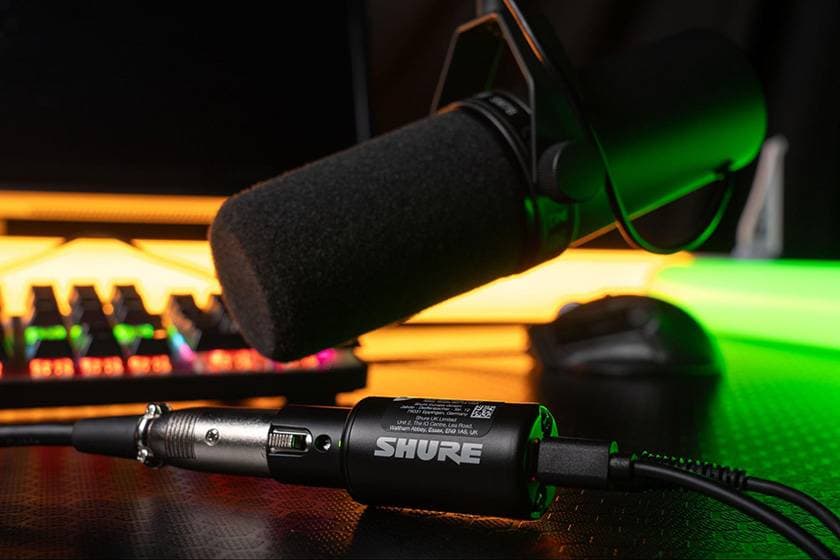
1. Compact Interface to Convert XLR Mics to USB
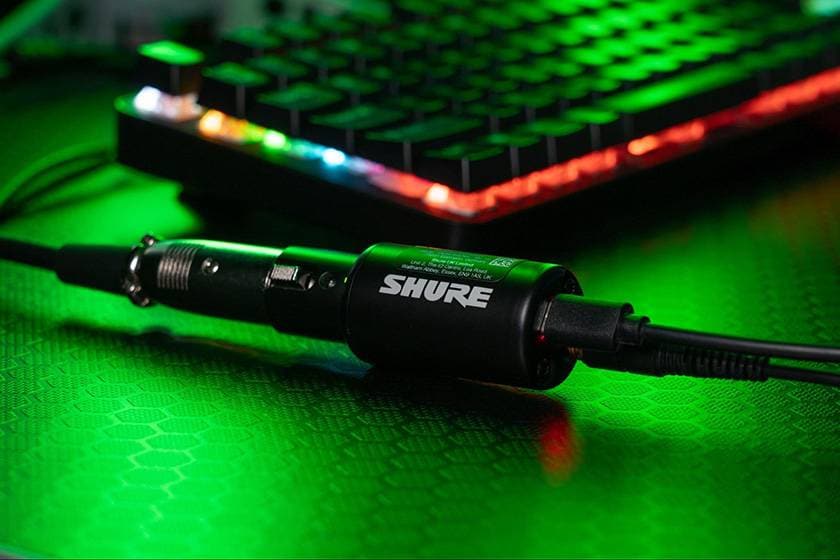
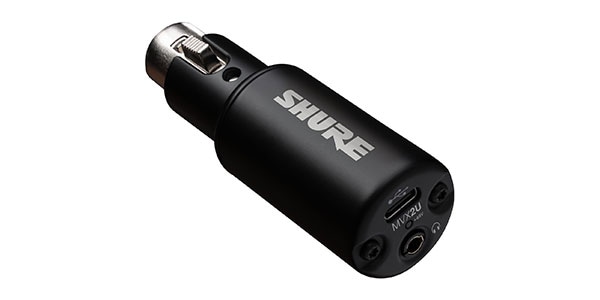
The MVX2U G2 is a compact audio interface that allows you to directly connect an XLR microphone via USB. It can be connected directly to PCs and smartphones, making it easy to set up a recording environment without needing large audio interfaces.
- XLR Input → USB-C Output
- Direct connection to iPhone or PC
- Ideal for podcasts and streaming
■ Shure MVX2U Gen 2: Studio Sound in Your Pocket
Testing Environment
- iPhone 15(iOS 26)
- MacBook Air M4(macOS Tahoe)
I conducted a recording test using GarageBand, and it worked flawlessly on both environments. Simply connect it to start recording and playback without any issues.
2. Clear and Stable Sound Quality
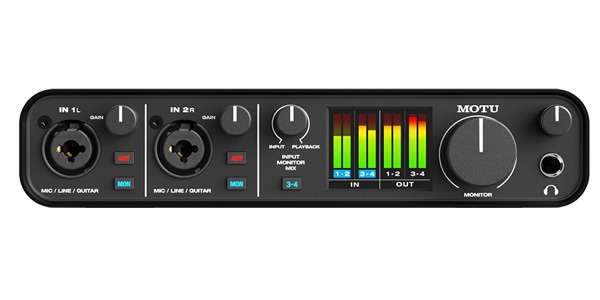
When testing the sound quality, it delivered clear sound with no noticeable difference compared to my existing audio interface, the MOTU M4.
Microphones Used
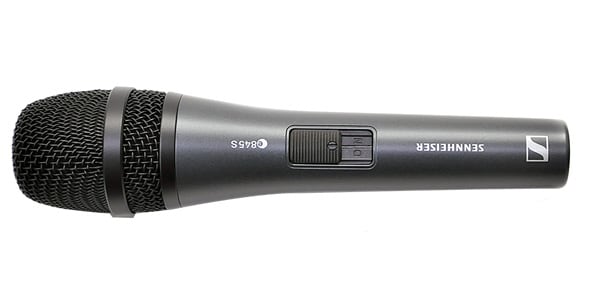
- SENNHEISER / e845S (Dynamic Microphone)
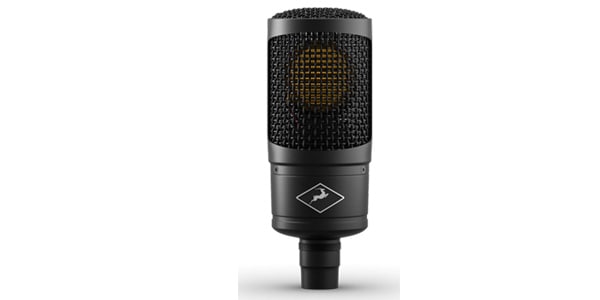
- ANTELOPE AUDIO / Edge Solo (Condenser Microphone)
Both microphones worked without issue, and the overall sound quality showed the following characteristics:
- Minimal noise
- Little coloration
- Natural and easy-to-handle sound
It provided stable quality, making it reliable for use without concern.
3. Supports 48V Phantom Power
The MVX2U G2 supports 48V phantom power, which is required when using condenser microphones. During the test, I connected the Edge Solo (condenser microphone) and confirmed the supply of 48V.
Therefore, it can be used without issue for applications such as vocal recording, narration, and streaming.
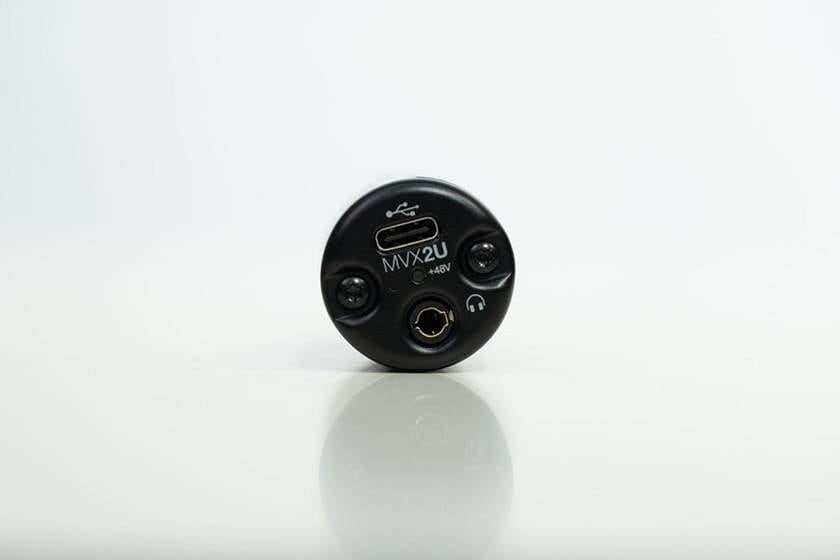
4. Highly Visible LED Indicator
The unit is equipped with an LED indicator, making it easy to check the input levels.
During use, I found that:
- Input levels are clearly visible at a glance.
- It’s easy to identify when clipping occurs.
This made managing levels during recording a smooth process.
5. Detailed Control with the MOTIV App
By using SHURE’s dedicated app, MOTIV, more detailed settings can be adjusted.
■ MVX2U G2 30sProductOverview 16x9 JP 1
Main Functions:
- Gain adjustment
- Mute
- Phantom power ON/OFF
- Monitoring settings
During testing, the app performed smoothly, and the response to setting changes was excellent.
Although recording and playback can be done without the app, it is recommended to use the app for monitoring settings and phantom power management.
6. Ideal Size for Mobile Recording and Streaming
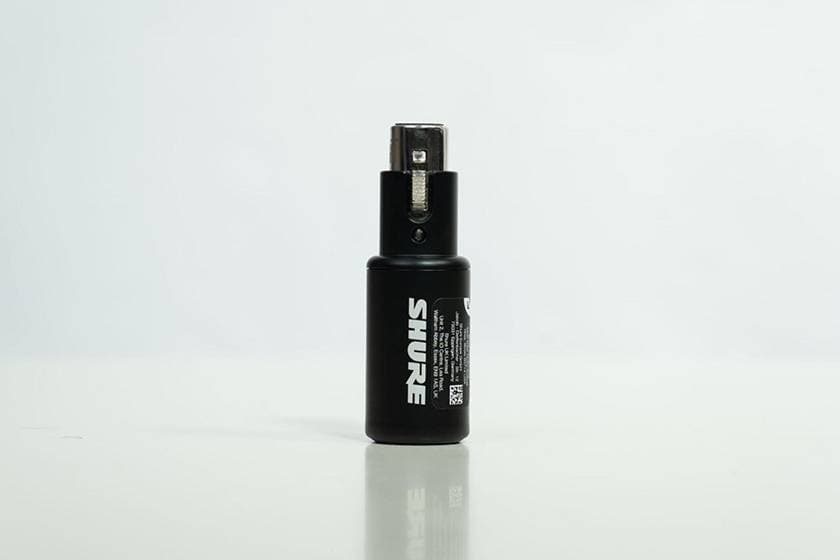
One of the attractions of the MVX2U G2 is its compact size.
The advantages I felt during use include:
- Compactly consolidating streaming equipment
- Convenient for recording on the go
- Can also be used as a backup audio interface
This product is well-suited for building portable recording and streaming environments.
Caution (Points of Concern During Testing)
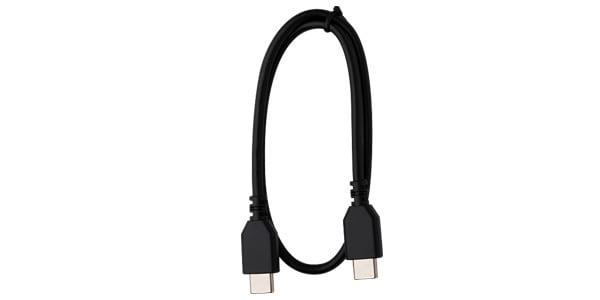
When using USB cables other than the included one, noise was observed.
To mitigate this, it is recommended to:
- Use the included cable
- Use a high-quality USB cable
To Summarize
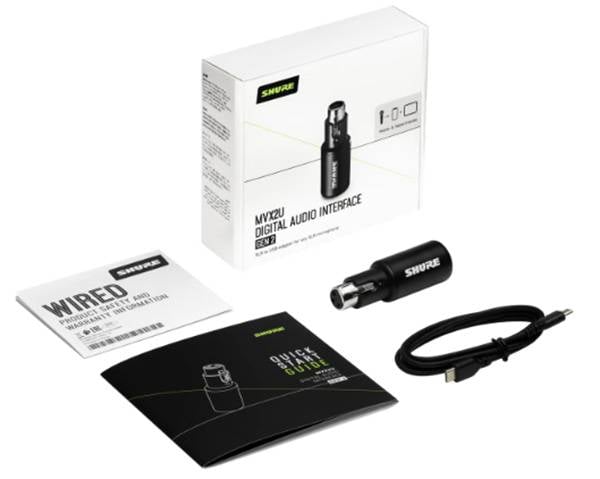
The SHURE MVX2U G2 is a compact audio interface that easily connects XLR microphones via USB.
Main Features
- XLR → USB connection
- Clear and stable sound quality
- 48V phantom power support
- Easy-to-read LED level meter
- Detailed settings via the MOTIV app
- Compact and ideal for mobile use
This user-friendly model is perfect for a wide range of applications, including streaming, podcasting, and mobile recording.




![[Review] Shure MV88 USB-C: Trying “Off-Mic” Band Recording on iPhone Using MOTIV Audio](/contents/uploads/thumbs/2/2026/1/20260122_2_34310_1.jpg)
![[DTM] Become a Budget DTM-er!](/contents/uploads/thumbs/5/2025/10/20251006_5_33197_1.jpg)
![[The Latest in 2026] Recommended 7 USB Microphones](/contents/uploads/thumbs/2/2021/5/20210531_2_13026_1.jpg)
 厳選!人気のおすすめオーディオインターフェイス特集
 SHUREワイヤレス比較表
 MOTU オーディオインターフェイス
 SHUREワイヤードマイク おすすめ比較表
 SHURE特設ページ
 機能で選ぶ オーディオインターフェイス
 Discount Sale
 Outlet
 New Arrivals
 Podcast (streaming)
 Headphones / Earphones
 Microphones
 Wireless Equipment
 Speakers
 Power Amps
 Mixers
 Processors
 Portable PA Systems
 Recorders
 Karaoke
 Guitars
 Basses
 Ukuleles
 Drums & Percussion
 Pianos / Synthesizers
 Wind Instruments
 Stringed Instruments
 Japanese Instruments
 Harmonicas, Other
 Software
 DJ & VJ
 Stands
 Cables & Connectors
 Racks & Cases
 Lighting
 Stage & Truss
 Video Equipment
 PC PERIPHERALS
 Power Supplies
 Studio Furniture
 Household Items, Other
 Alcoholic Beverages