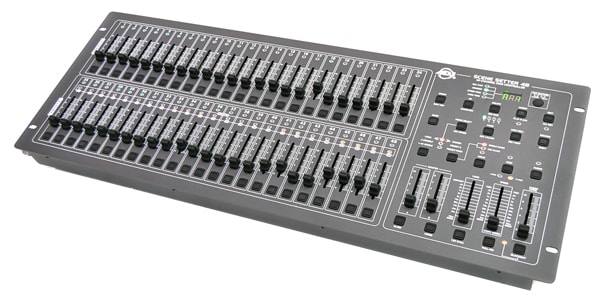
Scenes and chases saved on the American DJ Scene Setter can be saved to a USB flash drive. It is also possible to insert the USB flash drive into a new Scene Setter and restore the data. We recommend creating regular backups so that you can smoothly transfer your data in the event of a malfunction or other problem.
In this article, I’m going to explain how to do this in detail.
Backup
1. Prepare a USB Flash Drive
First, prepare an empty USB flash drive. Make sure that it has a capacity of 32 GB or less.
Then, connect it to a computer and format it as FAT16 or FAT32.
2. Save the Unit's Data to the USB Flash Drive
2.1. After connecting the USB flash drive to the unit, hold down the Shift button and press the UP button. The display will show ‘Sav’.
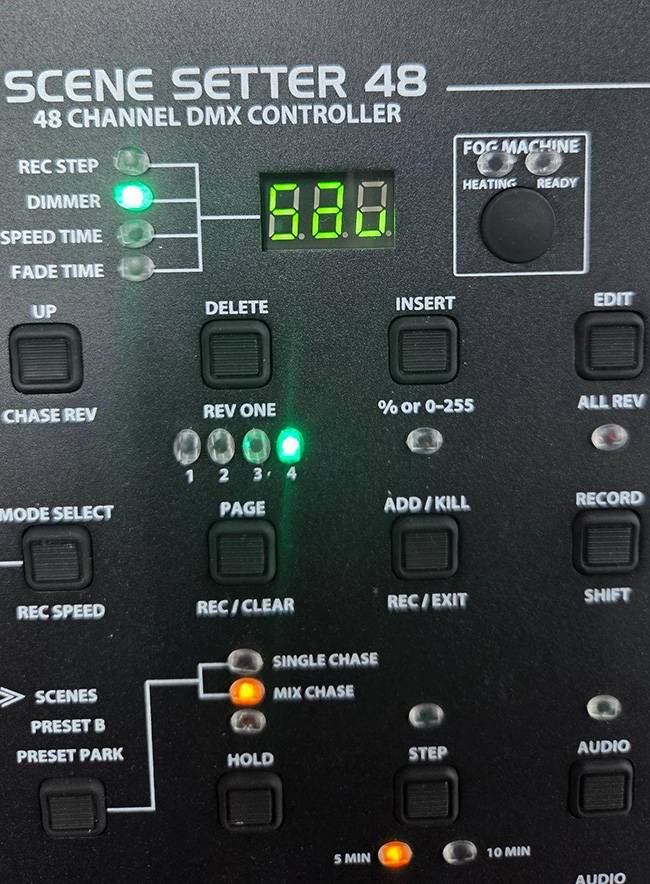
2.2. Press the Flash button to select the file name to be used for saving the data. For example, pressing Flash button 1 will create a file named ‘FILE1.PRO’. The Scene Setter-48 can save up to 48 presets.

Note 1)
All scenes and patch settings are recorded in this preset. It is not possible to save only selected scenes, so please keep this in mind.
Note 2)
Do not change the name of the saved folder or file, as doing so may make the data unreadable.
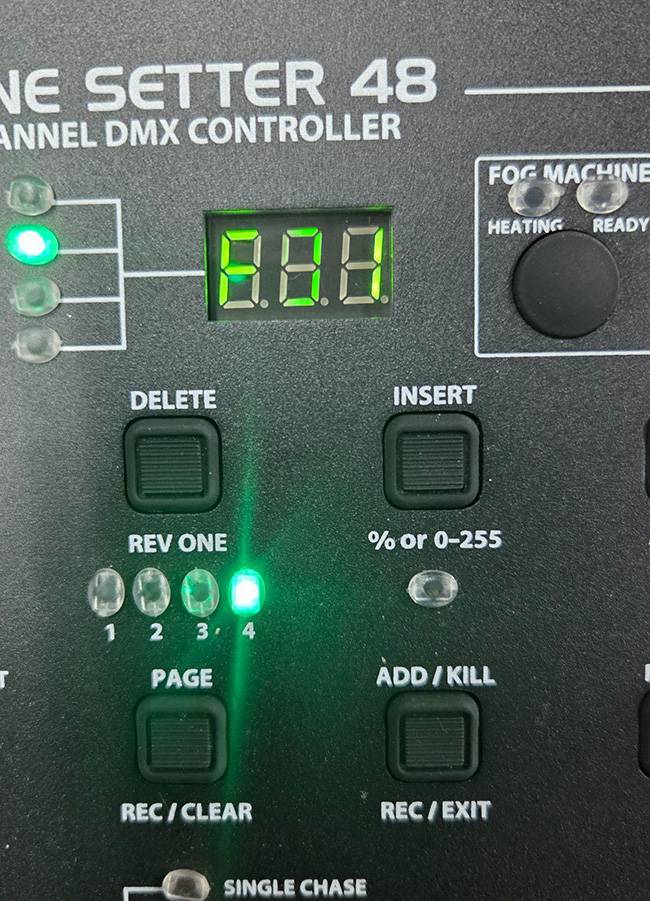
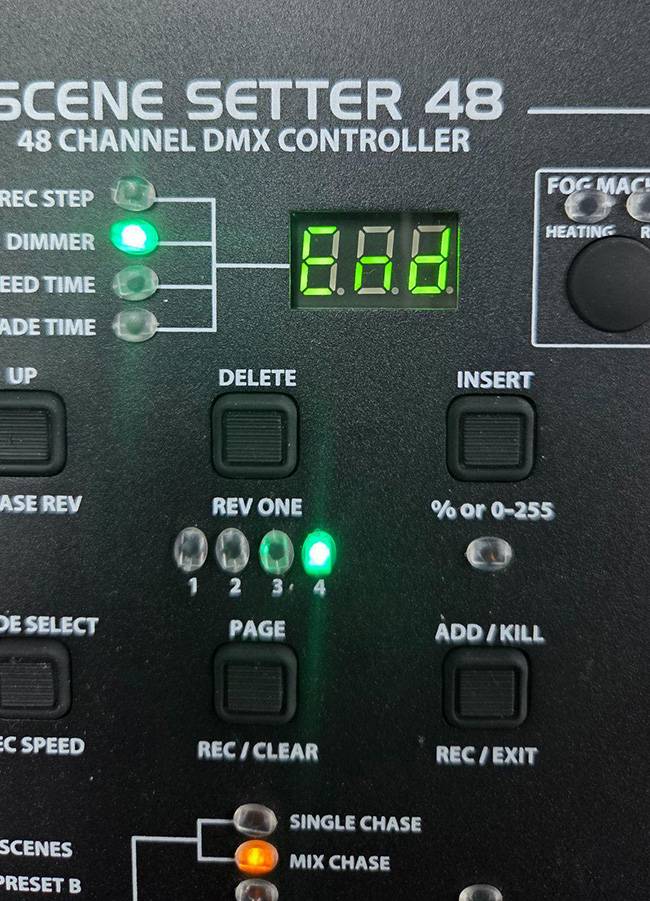
2.3. When you press the Flash button, the display will show F○○ (where ○○ corresponds to the number of the selected button). Once the save operation is complete, the display will show ‘End’.
Restore
1. After connecting the USB flash drive to the unit, hold down the Shift button and press the Down button. The display will show ‘Lod’.
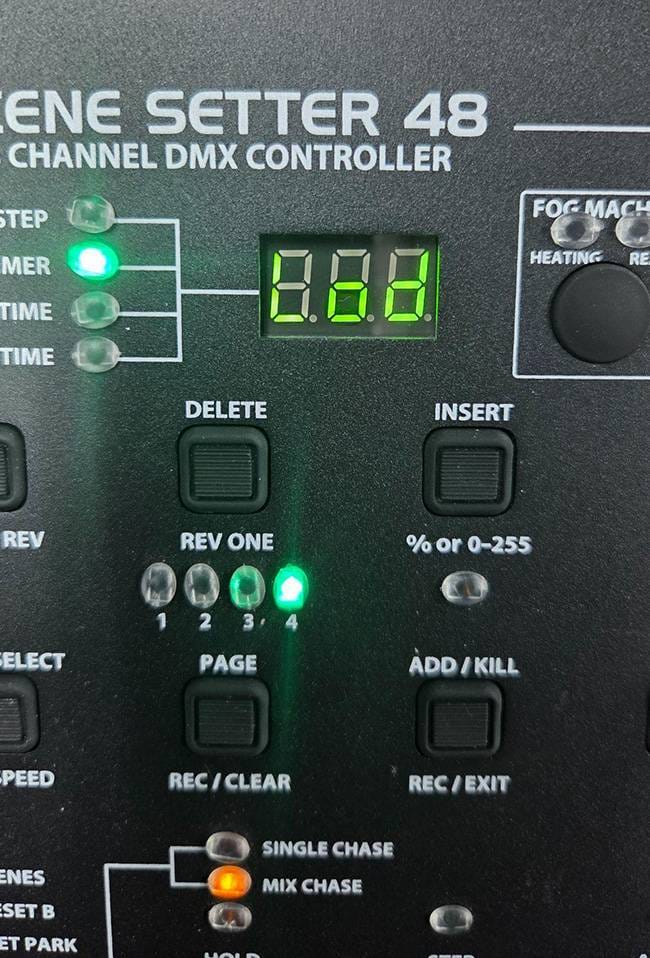
2. Press the Flash button corresponding to the file you want to load (The numbers containing saved data will be indicated by a lit green LED).
3. When you press the Flash button, the display will show F○○ (where ○○ corresponds to the number of the selected button). Once the save operation is complete, the display will show ‘End’.
That’s all for the procedure for saving and loading Scene Setter presets to and from a USB flash drive. By keeping your presets backed up, you can be prepared for unexpected malfunctions. Also, if you save your data before creating or modifying scenes, you can return to the previous state if you make a mistake.
The process is easy to perform, so if you own a Scene Setter, we encourage you to give it a try.



 Roland VC-1-DMX 特集
 STAGE EVOLUTION ステージ照明
 AMERICAN DJ ステージ照明
 ELATION DMXコントローラー比較表
 MADRIX(マドリックス)
 ELIMINATOR ステージ照明
 Discount Sale
 Outlet
 New Arrivals
 Podcast (streaming)
 Headphones / Earphones
 Microphones
 Wireless Equipment
 Speakers
 Power Amps
 Mixers
 Processors
 Portable PA Systems
 Recorders
 Karaoke
 Guitars
 Basses
 Ukuleles
 Drums & Percussion
 Pianos / Synthesizers
 Wind Instruments
 Stringed Instruments
 Japanese Instruments
 Harmonicas, Other
 Software
 DJ & VJ
 Stands
 Cables & Connectors
 Racks & Cases
 Lighting
 Stage & Truss
 Video Equipment
 PC PERIPHERALS
 Power Supplies
 Studio Furniture
 Household Items, Other
 Alcoholic Beverages