PLAYTECH has released an additional arm for the hugely popular affordable X-style keyboard stands, the KST10X and KST20X, so that they can be expanded into a two-tier setup! If you already own a compatible stand, you can easily upgrade it to a two-tier stand simply by purchasing this option. This time, I’ll be clearly explaining how to install the stand and the optional parts!
PLAYTECH / KSTOS Two-Tier Stacker for KST10X / KST20X
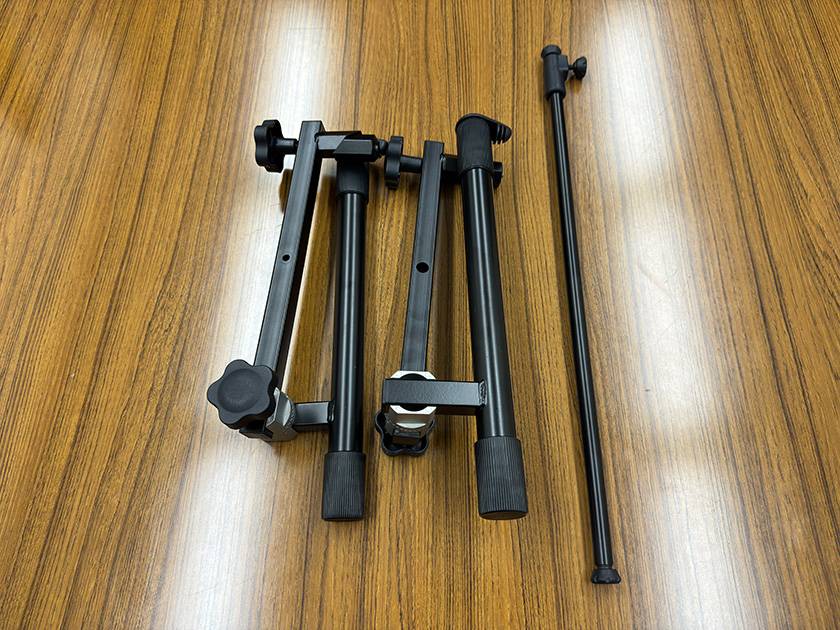
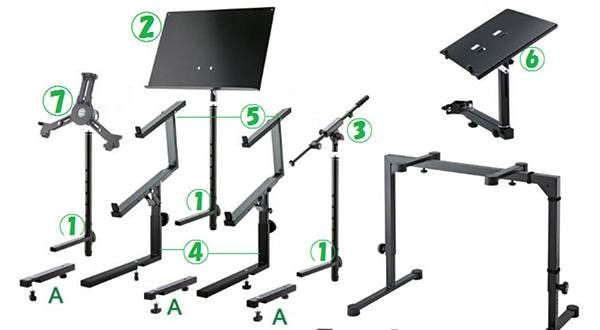
The newly released optional parts consist of three components in total: two arms and one support rod. Let’s get started and attach them to the main unit right away!
① Remove the rubber caps on the back side of the keyboard mounting surface of the stand, one on each side.
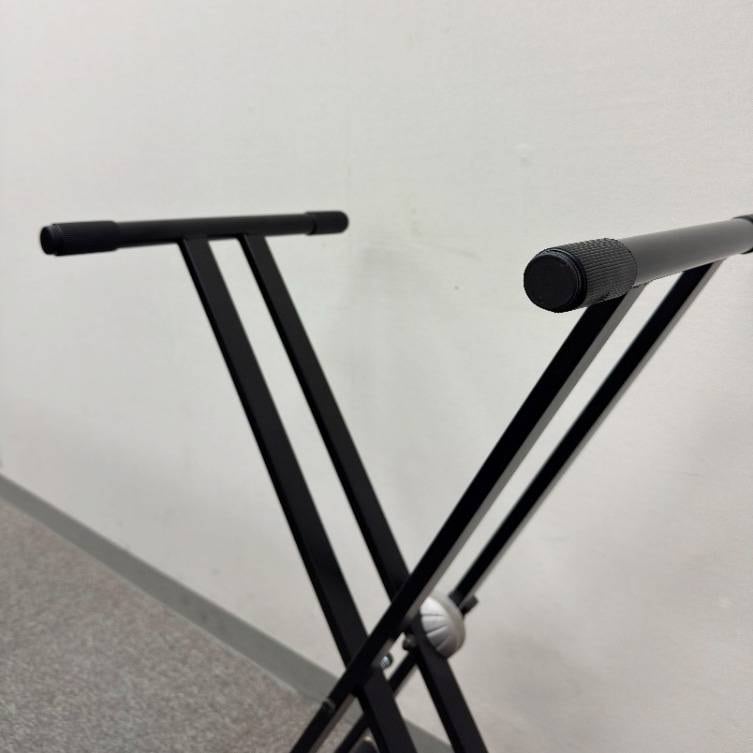


This part! If it’s stiff and difficult to remove, inserting a flathead screwdriver into the gap will make it easier to take off.
② Turn the gear with the optional arm part to open it up.
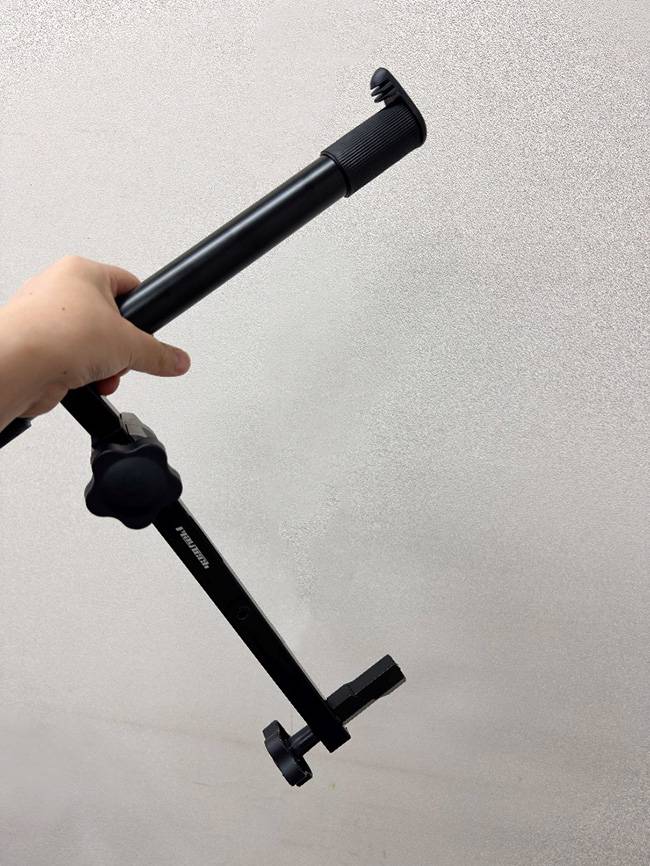
③ Insert the protrusion on the lower side of the arm into the hole in the stand, then turn the handle to secure it.


④ After adjusting the height of the first level of the stand, pass the support post through the left and right arms and secure it with screws from the outside.
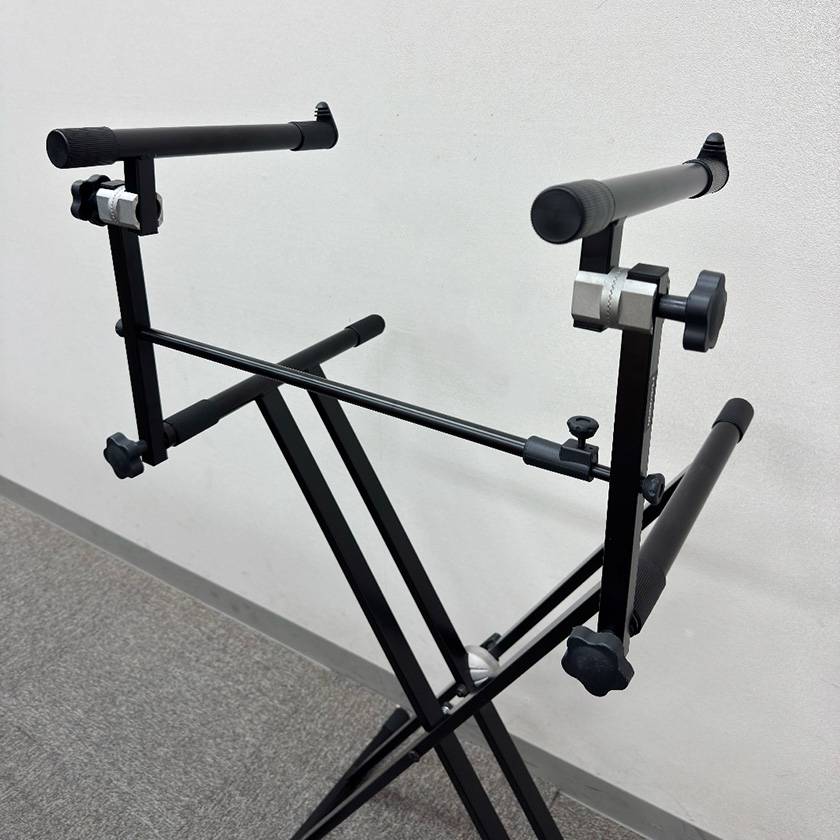
This completes the installation!
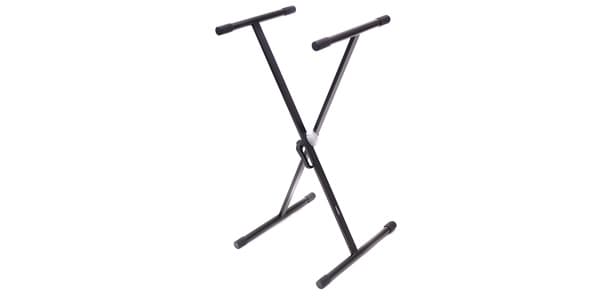
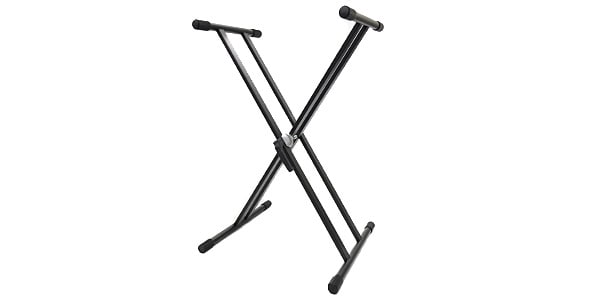
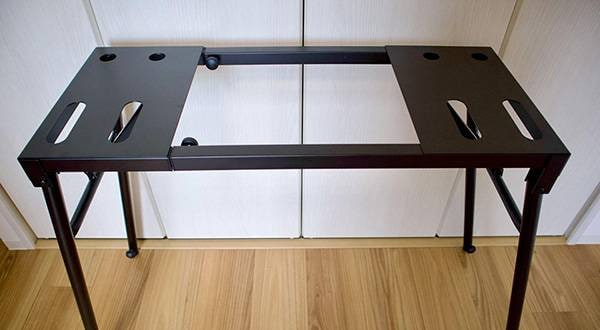
How was it? I’ve summarized the key points so that even first-time users can assemble it without confusion. I hope this helps you create a comfortable playing environment. Finally, here are the keyboard stand main units that are compatible with the optional arm introduced this time.







![[2025] 10 Most Recommended Popular Keyboard Stands](/contents/uploads/thumbs/2/2023/2/20230207_2_21149_1.jpg)
![Tips for Choosing a Piano/Keyboard Chair or Bench and Recommended Options [2025 Ed.]](/contents/uploads/thumbs/2/2022/2/20220208_2_16573_1.jpg)
 PLAYTECH キーボードセレクター
 PLAYTECH 鍵盤特集
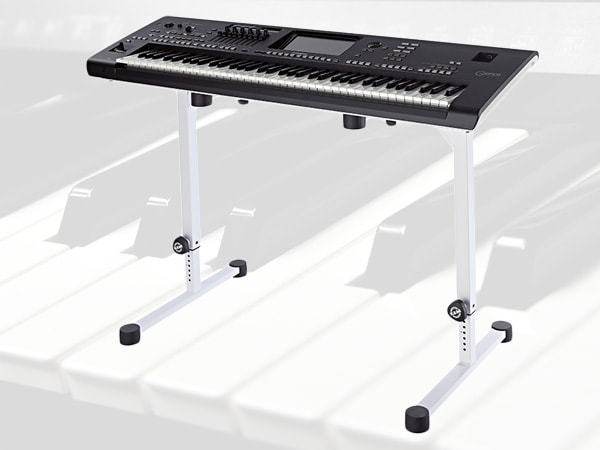 キーボードスタンドの選び方
 各メーカーの鍵盤比較
 用途で選ぶ!鍵盤楽器の種類
 キーボードスタートガイド
 Discount Sale
 Outlet
 New Arrivals
 Podcast (streaming)
 Headphones / Earphones
 Microphones
 Wireless Equipment
 Speakers
 Power Amps
 Mixers
 Processors
 Portable PA Systems
 Recorders
 Karaoke
 Guitars
 Basses
 Ukuleles
 Drums & Percussion
 Pianos / Synthesizers
 Wind Instruments
 Stringed Instruments
 Japanese Instruments
 Harmonicas, Other
 Software
 DJ & VJ
 Stands
 Cables & Connectors
 Racks & Cases
 Lighting
 Stage & Truss
 Video Equipment
 PC PERIPHERALS
 Power Supplies
 Studio Furniture
 Household Items, Other
 Alcoholic Beverages