




YAMAHA / TF1
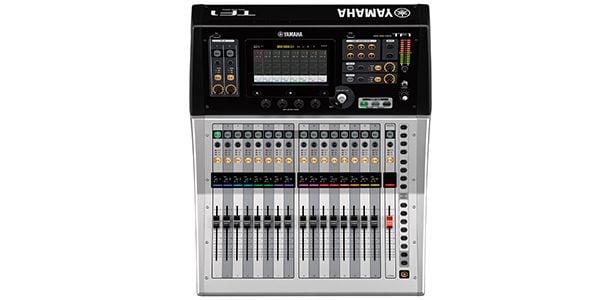
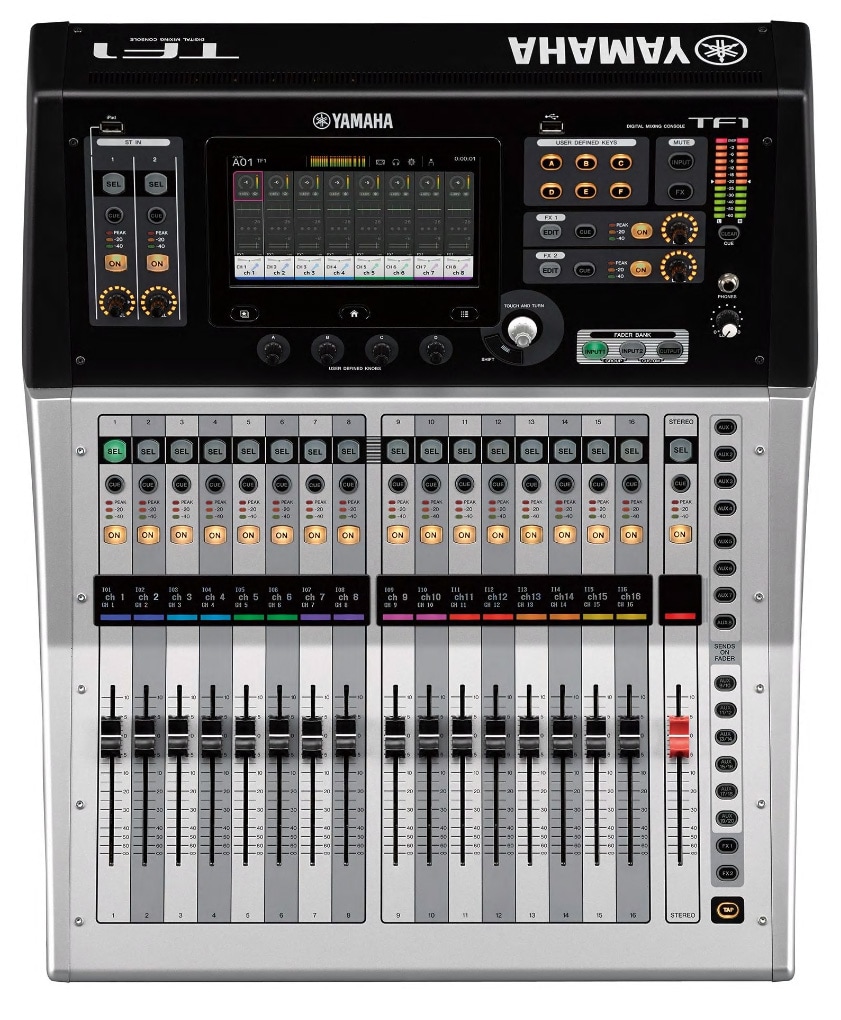
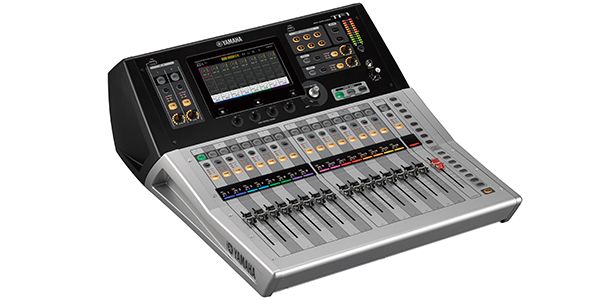
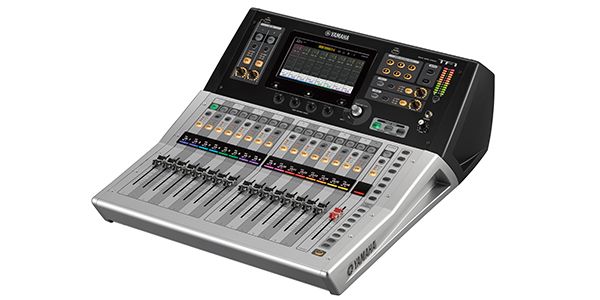






Variations
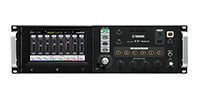
recommended item
-
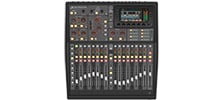
BEHRINGER / X32 Producer Digital Mixer
¥228,000(incl. tax)
Digital mixer, 40 channels, 25 buses, 8 effects, 16 mic inputs
recommended item
-
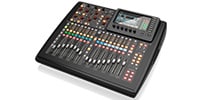
BEHRINGER / X32 COMPACT Digital Mixer
¥258,000(incl. tax)
Digital mixer, 40 channels, 25 buses, 8 effects, 16 mic inputs
recommended item
-
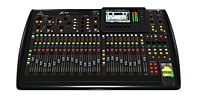
¥338,000(incl. tax)
Digital mixer, 40 channels, 25 buses, 8 effects, 32 mic inputs
recommended item
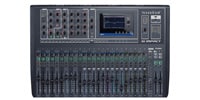
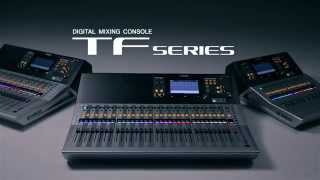


■Fader Configuration: 16 Channels + 1 Master
■Input Channels: 40 (32 Mono + 2 Stereo + 2 Return)
■Main Bus: STEREO + SUB
■AUX Buses: 20 (8 Mono + 6 Stereo)
■Groups: 8 DCA Groups
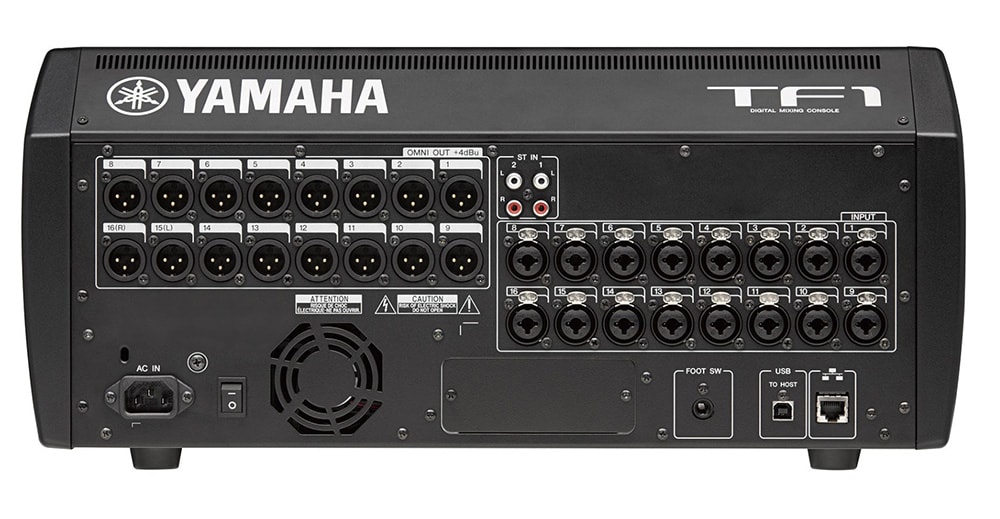
■Input Terminals: 16 Mic Line (XLR/TRS Combo) + 2 Stereo Line (RCA Pin)
■Output Terminals: 16 (XLR)
■Expansion Slot: 1 (for NY64-D only)
■Signal Processor: 8 Effects + 10 GEQs
■Recording/Playback Functions
・PC/Mac (USB 2.0): 34 Recording Tracks, 34 Playback Tracks
・USB Storage Device: 2 Recording Tracks (USB Hard Disk/SSD), 2 Playback Tracks (USB Hard Disk/SSD/Flash Memory)
■Sampling Frequency: Internal Clock 48kHz
■Dimensions (WxHxD): 510 x 225 x 599 mm
■Weight: 13.5 kg
■Power Consumption: 100 W
■Power Supply: AC 100 V 50/60 Hz
■Accessories: Quick Guide, Power Cord
■Optional Accessories: Rack Mount Kit RK5014, Dante Input/Output Card NY64-D (Upcoming Release), Foot Switch (FC5)
~From the Manufacturer's Website~
The intuitive user interface, optimized for touch panels, provides a fast, smooth, and fluid operation experience. Designed for direct finger operation, the screen not only exudes a simple and fresh look, but also features a well-thought-out functional layout for intuitive operation. Operation feels like touching the sound directly.
When more precise adjustments, such as fine-tuning EQ, are required, you can always use the Touch and Turn knob located next to the screen. Additionally, the four USER DEFINED knobs located below the screen can be pre-assigned to frequently used parameters such as compressor threshold and EQ gain, allowing you to adjust the parameters of the selected channel at any time.
Traditional Overview and Selected Channel
As with the CL series, the console offers two basic screens: Overview and Selected Channel. The Overview screen displays parameters for eight channels at a time, providing a feel similar to that of an analog console. The Touch and Turn knob allows direct control of GAIN, 1-knob EQ/1-knob COMP/GATE threshold, effect send level, pan, and more. Touching the highlighted box again opens the Selected Channel screen, which displays detailed parameters and information for more precise sound creation.
Gain Finder Supports Gain Adjustment
Gain, the first adjustment made to the sound input to the console, is a crucial factor that affects all subsequent settings and significantly influences the final sound quality. Yamaha has conducted further research to enable even this basic task to be performed more accurately and quickly. The new GainFinder function allows you to optimize the system's gain levels by adjusting the gain for each input signal appropriately. All the user needs to do is adjust the level meter so that the green indicator in the center stays lit for as long as possible. Of course, the regular level meter is also displayed, so gain adjustment can be made using conventional methods.
関連記事
![[2024 Edition] How to Choose a Mixer & Recommended Analog and Digital Mixers](/contents/uploads/thumbs/2/2024/10/20241026_2_29157_2.jpg)
![[Is No One Doing This??] Recorded the Sound Differences Between Mixers!!](/contents/uploads/thumbs/2/2024/8/20240827_2_28388_2.jpg)
![[PA Guide for Beginners] Let’s Put Together A PA System for Your Live Show!](/contents/uploads/thumbs/2/2023/1/20230131_2_20981_2.jpg)
関連商品
-
¥3,980(incl. tax)
 In Stock
 -
¥5,480(incl. tax)
In Stock -
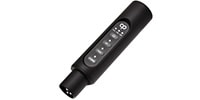 CLASSIC PRO / CBR2 Bluetooth receiver
¥4,980(incl. tax)
 Low Stock
 -
¥4,650(incl. tax)
 Special Order
 -
¥72,400(incl. tax)
In Stock -
¥62,800(incl. tax)
Special Order -
¥2,230(incl. tax)
In Stock -
¥34,800(incl. tax)
In Stock
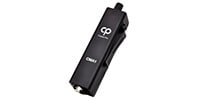 CLASSIC PRO / CMA1
 CLASSIC PRO / CBR1
 YAMAHA / RK5014
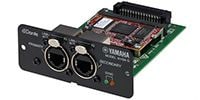 YAMAHA / NY64-D
 ARMOR / HCTF1
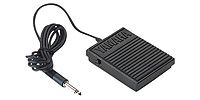 YAMAHA / FC5
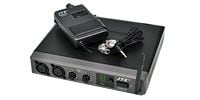 JTS / SIEM-2T/SIEM-2R+IE-1
商品レビューProduct Review
2022/01/13
 ちょうどよい位置にいるデジタルミキサー
投稿者名Reviewed by:ENTORRES 【三重県】
YAMAHAの上位機種にくらべて非常に安価でちょうどいい位置にいるデジタルミキサーだと思います。
大きなコンサート等では若干物足りないかもしれませんが、一般的なマイク操作やストリーミング配信にはとてもいい感じの調整が可能です。
カード別売りですが、Danteもよく動きます。
難点はDanteの設定が細かくできないことですね。だた、Dante Contorolを使えばその辺は全然解決します。
セット販売されている16Chのボックスも同時購入しましたが、自動設定は便利なものの、ULXDや他社Dante製品を入れていくとどうしてもDante Contorolでないとむつかしいです。
つまり、DanteはYamahaの製品を使うと便利ですが、他社はDanteの詳しい知識が必要になります。
TF5も持っていますが、だいぶ使い勝手が違ってくるのも特徴ですね。
レビューIDReview ID:125892


2021/12/06
満足
投稿者名Reviewed by:Togas
付属品の訂正のみ。
??Cubase AI ダウンロードコード
◎ Nuendo Live 2 (USB-eLicenser付属)
が現在の付属品のようです。※AIは16トラックのみ録音可能ですが、Nuendo Liveは64トラックが録音可。そのため、十全に使用できるようになっています。
TF1ですが、ドライバー及び付属のソフトウェアを入れるだけで容易に録音環境が整いました。
追記
購入理由:職場で使用していたので最悪、わからなくても聞ける人がいた。またステレオフェーダー化が可能でステレオイン8ch。マルチトラックレコードが可能。16ch出力が可能。持っていなかったcubaseが付いてくるという点。
使用用途:シンセサイザーの各ボイスやドラムマシンの各音源のパラレルアウトの取り込み、EQやリバーブなどで味付け。その後、サンプラーへの音源送りやDJミキサーへ音源を送り、加工した音をTFへ返し録音。音の送りの指定が各チャンネルでできる為、ハウリングを起こさないように設定が容易でした。マルチトラック録音なため、加工前と加工後の音源を活用する。個人のDTMとしては過剰ではあるかもしれませんが、全てのIN/OUT使い潰そうと思えば難しいことではないと思います。
ダメな点:念頭に置くべきはLS9などに比べると直接的でないです。LS9やO1vについていたEQ(周波数帯やQ幅、増減)を触れるノブがない(ユーザーがある程度指定できるノブで指定は可能)です。ゲインを上げるのにタッチパネルでゲインを触る。白い大きめのノブを回す。という動作が必要になります。Q幅は二本指で押すか白い大きめのノブをクリックして変更する必要があります。場合によっては全く使わないFX1、2のEDITボタンと入れ替えてほしいです。タッチパネルをどうしても経由するので、悠長な感じがします。趣味の範囲では何も問題ありません。
良い点:LS9に比べると本体の側面に切れ込みがあり持ちやすいです。タッチパネル側が重心です。機能に対してこの価格は安いように思います。拡張カードも有り、不足するということはないと思います。
まとめ:説明書やリファレンスはかなり薄く抜群に理解しやすい方だと思います。デジタルミキサー初心者向けではあるのです。比較対象がある方は一度、実機に触れられた方が良いと思います。
レビューIDReview ID:110950
2024/03/03
RioのHAはコントロールできるようになりました
投稿者名Reviewed by:探求者 【埼玉県】
タイトル通りです。RioのHAをコントロールできます。バージョンアップしたからかな?
あとはMatrixにGEQがつけば文句ありません。
QL等と違った独特な操作感ですが、これはこれでわかりやすいかもしれませんね。
レビューIDReview ID:147561
2023/01/16
ちょっとノイズが、、、
投稿者名Reviewed by:Musubiza 【愛知県】
MIDI機能が備わっていないのでフィジカルコントローラー的な利用や外部コントローラーによる操作はできません。
アプリケーションソフトのTF EDITORやTF MIXERもMIDIを受けることはできません。
大音量が必要とされる大きな会場等でOMNI OUTから出力される若干のホワイトノイズが気になります。
Dante接続したtioのアナログ出力やTF1本体のヘッドフォン出力には気になるノイズは無いのでOMNI OUT部のDAコンバータ以降の回路の問題かと、、、
レビューIDReview ID:115007




不適切な投稿として報告しますか?
理由
ご協力ありがとうございました
投稿を削除しますか?
投稿されたレビューを削除しました。


YAMAHA
TF1
Item ID:203694
302,500 yen(incl. tax)

15,125Pt(5%)Detail
- 3,025Pts
通常ポイント
- 12,100Pts
ポイント5倍キャンペーン
- 15,125Pts
Total
- In Stock
- In Stock, can be shipped when order is confirmed.
- Low Stock
- Low Stock, may be sold out soon.
- Scheduled date
- Expected to arrive at Sound House on this date.
- TBA
- Expected date of arrival at Sound House to be determined.
- Back Order
- It needs to be orderd from the manufacturer. Please inquire about the estimated date of arrival.
- Mfr. Delivery
- Must be ordered from manufacturer. Please inquire about the estimated date of arrival.
- Download
- Only the serial number will be sent to your registered email address.
- Special Order
- Made to order item or must be ordered from manufacturer. May take several weeks or months.
- No Longer Available
- Product is no longer available due to having been discoutined or other reasons.
Rating


この商品に関連するセレクションRelated Articles


YAMAHA TFシリーズ
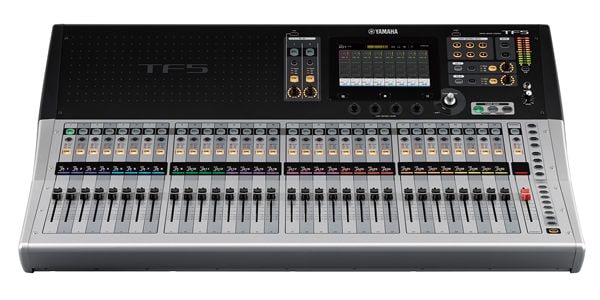 タッチパネルを採用した新世代のデジタル・コンソール。徹底したユーザーフレンドリーな操作体系により、始めてデジタルミキサーを使用される方からから、プロ・ユーザーまで、様々な要望に応えます。
-
 Discount Sale
-
 Outlet
-
 New Arrivals
-
 Podcast (streaming)
-
 Headphones / Earphones
-
 Microphones
-
 Wireless Equipment
-
 Speakers
-
 Power Amps
-
 Mixers
-
 Processors
-
 Portable PA Systems
-
 Recorders
-
 Karaoke
-
 Guitars
-
 Basses
-
 Ukuleles
-
 Drums & Percussion
-
 Pianos / Synthesizers
-
 Wind Instruments
-
 Stringed Instruments
-
 Japanese Instruments
-
 Harmonicas, Other
-
 Software
-
 DJ & VJ
-
 Stands
-
 Cables & Connectors
-
 Racks & Cases
-
 Lighting
-
 Stage & Truss
-
 Video Equipment
-
 PC PERIPHERALS
-
 Power Supplies
-
 Studio Furniture
-
 Household Items, Other
-
 Alcoholic Beverages
Search by Brand
Brand List









- Sound House
- 〒286-0825 14-3 Shinizumi , Narita City, Chiba
- Monday-Friday 10:00-17:00
- Narita Call Center
- TEL. 0476-89-1111
- FAX. 0476-89-2222
- Tokushima Call Center
- TEL. 0885-38-1111
- FAX. 0885-38-1100
- Showroom Hours
- Monday-Friday 10:00-17:00
closed on Saturdays, Sundays and Holidays


© Sound House

すべてのレビューを見る