




YAMAHA / TF3
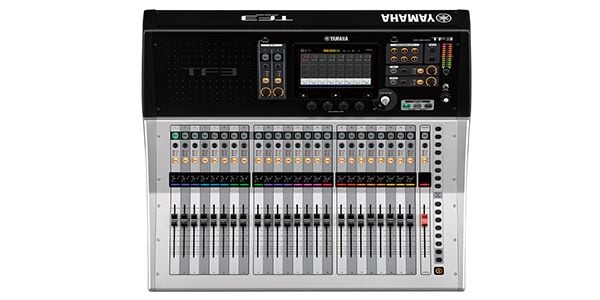
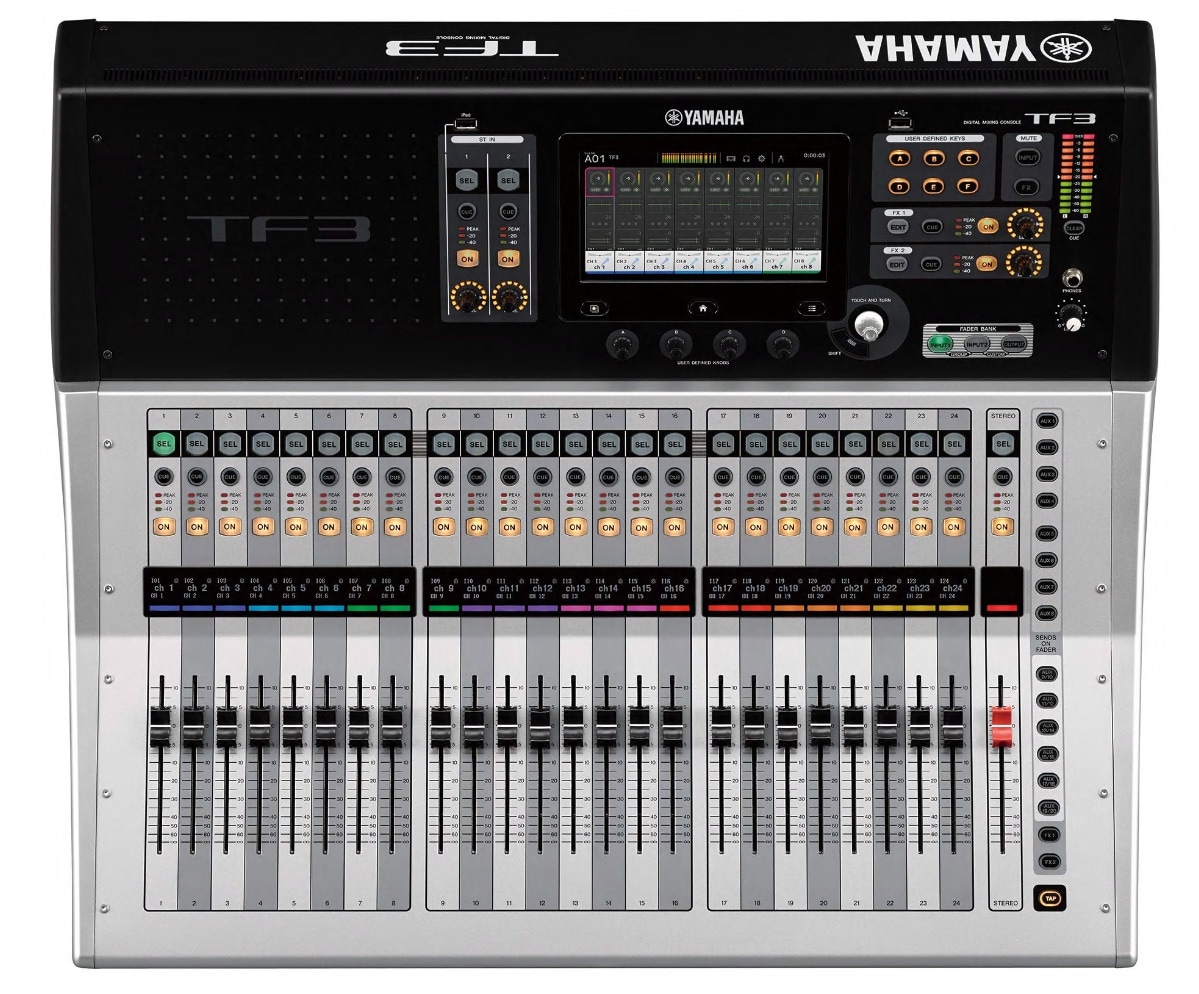
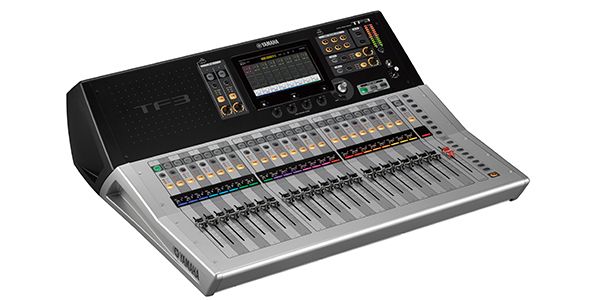
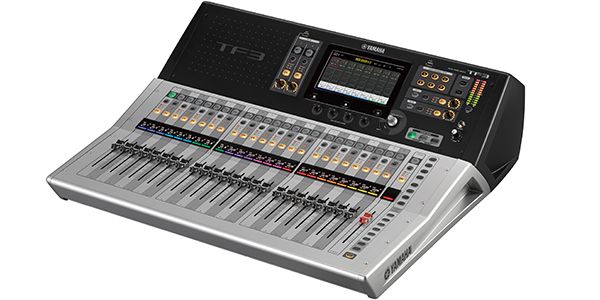






Variations
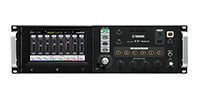
recommended item
-
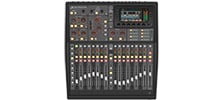
BEHRINGER / X32 Producer Digital Mixer
¥228,000(incl. tax)
Digital mixer, 40 channels, 25 buses, 8 effects, 16 mic inputs
recommended item
-
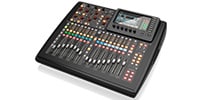
BEHRINGER / X32 COMPACT Digital Mixer
¥258,000(incl. tax)
Digital mixer, 40 channels, 25 buses, 8 effects, 16 mic inputs
recommended item
-
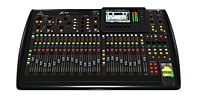
¥338,000(incl. tax)
Digital mixer, 40 channels, 25 buses, 8 effects, 32 mic inputs
recommended item
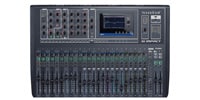

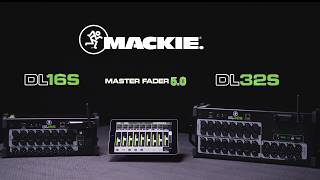

■Fader Configuration: 24 Channels + 1 Master
■Input Channels: 48 (40 Mono + 2 Stereo + 2 Return)
■Main Bus: STEREO + SUB
■AUX Buses: 20 (8 Mono + 6 Stereo)
■Groups: 8 DCA Groups
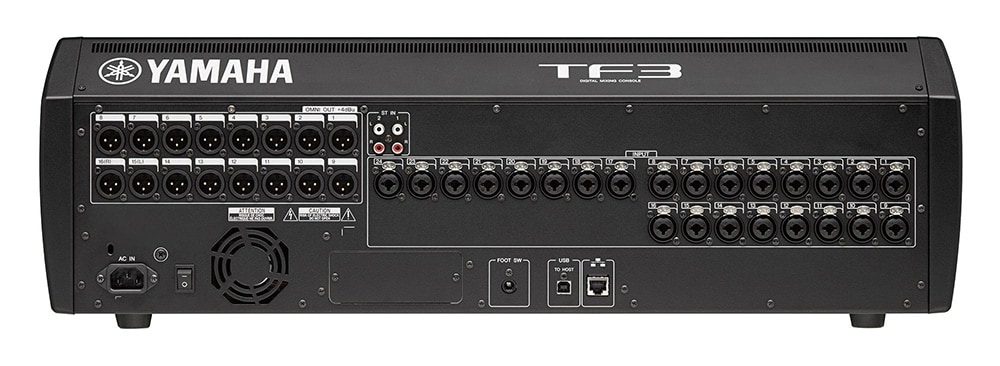
■Input Terminals: 24 Mic Line (XLR/TRS Combo) + 2 Stereo Line (RCA Pin)
■Output Terminals: 16 (XLR)
■Expansion Slot: 1 (for NY64-D only)
■Signal Processor: 8 Effects + 10 GEQs
■Recording/Playback Functions
・PC/Mac (USB 2.0): 34 Recording Tracks, 34 Playback Tracks
・USB Storage Device: 2 Recording Tracks (USB Hard Disk/SSD), 2 Playback Tracks (USB Hard Disk/SSD/Flash Memory)
■Sampling Frequency: Internal Clock 48kHz
■Dimensions (WxHxD): 716 x 225 x 599 mm
■Weight: 17.0 kg
■Power Consumption: 110 W
■Power Supply: AC 100 V 50/60 Hz
■Accessories: Quick Guide, Power Cord
■Optional Accessories: Dante Input/Output Card NY64-D, Foot Switch (FC5)
~From the Manufacturer's Website~
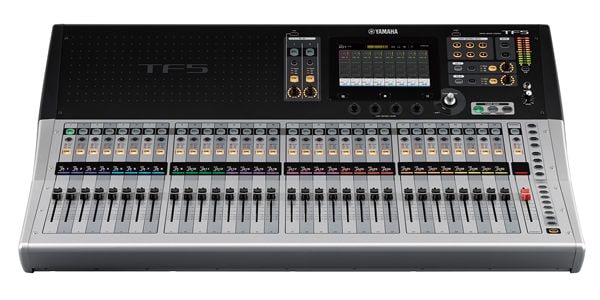
The intuitive user interface, optimized for touch panels, provides a fast, smooth operation experience. Designed for direct finger operation, the screen not only exudes a simple and fresh look, but also features a well-thought-out functional layout for intuitive operation. Operation feels like you're touching the sound directly.
When more precise adjustments, such as fine-tuning EQ, are required, you can always use the Touch and Turn knob located next to the screen. Additionally, the four USER DEFINED knobs located below the screen can be pre-assigned to frequently used parameters such as compressor threshold and EQ gain, allowing you to adjust the parameters of the selected channel at any time.
Traditional Overview and Selected Channel
As with the CL series, the console offers two basic screens: Overview and Selected Channel. The Overview screen displays parameters for eight channels at a time, providing a feel similar to that of an analog console. The Touch and Turn knob allows direct control of GAIN, 1-knob EQ/1-knob COMP/GATE threshold, effect send level, pan, and more. Touching the highlighted box again opens the Selected Channel screen, which displays detailed parameters and information for more precise sound creation.
Gain Finder Supports Gain Adjustment
Gain, the first adjustment made to the sound input to the console, is a crucial factor that affects all subsequent settings and significantly influences the final sound quality. Yamaha has conducted further research to enable even this basic task to be performed more accurately and quickly. The new GainFinder function allows you to optimize the system's gain levels by adjusting the gain for each input signal appropriately. All the user needs to do is adjust the level meter so that the green indicator in the center stays lit for as long as possible. Of course, the regular level meter is also displayed, so gain adjustment can be made using conventional methods.
関連記事
![[2024 Edition] How to Choose a Mixer & Recommended Analog and Digital Mixers](/contents/uploads/thumbs/2/2024/10/20241026_2_29157_2.jpg)
![[Is No One Doing This??] Recorded the Sound Differences Between Mixers!!](/contents/uploads/thumbs/2/2024/8/20240827_2_28388_2.jpg)
![[PA Guide for Beginners] Let’s Put Together A PA System for Your Live Show!](/contents/uploads/thumbs/2/2023/1/20230131_2_20981_2.jpg)
関連商品
-
¥3,980(incl. tax)
 In Stock
 -
¥5,480(incl. tax)
In Stock -
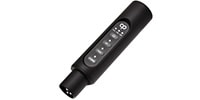 CLASSIC PRO / CBR2 Bluetooth receiver
¥4,980(incl. tax)
 Low Stock
 -
¥72,400(incl. tax)
In Stock -
¥67,800(incl. tax)
 Special Order
 -
¥34,800(incl. tax)
In Stock
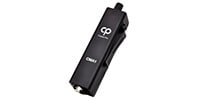 CLASSIC PRO / CMA1
 CLASSIC PRO / CBR1
 YAMAHA / NY64-D
 ARMOR / TF3CS-W
 JTS / SIEM-2T/SIEM-2R+IE-1
商品レビューProduct Review
2025/08/24
 ワンオペの小さいステージにはもってこいかと、、、
投稿者名Reviewed by:マスター 【群馬県】
2018年に購入させていただいて、もうすぐ7年になり、フェーダーが多少渋くなってきてる感は否めませんが、アナログのMG32からの移行だったですが、取り扱いが分かればこんなに良いものはありません。
メインスピーカーも同社のコラムスピーカーSTAGEPAS 1KをLRでステレオ使いしてますが、なんの問題もありません。私は、とても気に入ってます。
星が4の理由は、ミキサーのシェル部分(本体の両サイド、大枠正面)の固定ビスのおさまりが非常に雑です。なんでこの状態なのか、、、そこだけは許せませんね。
40万も払って購入する機材のそれとは思えません。、、、残念。
レビューIDReview ID:68aa0092aab52e0084000010

2019/07/30
使いやすい
投稿者名Reviewed by:田舎の音響屋 【佐賀県】
使いやすいので
持ち出し用、ライブハウス用2台使用してます
デジ卓ってアナログ卓と違って個々の操作性違うのは
当たり前だし、触って慣れる事でしょうね
使用上不便を感じた事は無いですが
モーターフェダーがYAMAHAの他のデジ卓と比較して
耐久度に問題があると思います
レビューIDReview ID:94436
2020/04/13
抜けが良くない。
投稿者名Reviewed by:にがけん 【千葉県】
操作性は普通。
デジ卓を使った事があれば、そんなに迷わないが
タッチパネルメニューが少し深いので取説は
持っていった方が良い。
このクラスでフェーダーラベル表示等、
頑張ってはいる。
値段の差でしょうか、ヘッドアンプの抜けが良くない。
そこそこ突っ込まないと。
デジタルIFを付ければ少しは変わるかもしれない。
QLもデジタルIFにすると凄く良くなる。
AUX MATRIXも自在、オールラウンドではあるが、
アナログIOは価格相応。
アレンの安い方が好みかな。
入力が少し減るが同価格帯のMIDASの方が
音は遥かに良い。
厳しい事書いたが、小規模のイベントなら、何ら問題ない。
信頼性も高く、iPadのアプリも見易く使いやすい。
常設におすすめかもしれない。
レビューIDReview ID:102634
2018/11/24
デジタルミキサーとしては。。。
投稿者名Reviewed by:くらあき 【熊本県】
個人的な感覚ですが、デジタルミキサーの中では独特です。他のミキサーと違い、タッチパネルメインの使い方なので、慣れていないと対応が遅れます。たくさんミキサーを持っている人には、頭を切り替えないといけないのでツライと思います。特にアナログミキサーとはぜんぜん違うイメージです。
しかし、事前に設定したマイクイコライザーやスピーカーチューニングの呼び出しがわかりやすいと思います。
このミキサー以外は使わないとか、常設ミキサーという人には、触るところが少ないので良いミキサーだと思います。
ヤマハMGシリーズと同じレベルの「サー」っというノイズが出ます。電圧には強い感じです。
レビューIDReview ID:87311




不適切な投稿として報告しますか?
理由
ご協力ありがとうございました
投稿を削除しますか?
投稿されたレビューを削除しました。
YAMAHA
TF3
Item ID:203695
363,000 yen(incl. tax)

18,150Pt(5%)Detail
- 3,630Pts
通常ポイント
- 14,520Pts
ポイント5倍キャンペーン
- 18,150Pts
Total
- In Stock
- In Stock, can be shipped when order is confirmed.
- Low Stock
- Low Stock, may be sold out soon.
- Scheduled date
- Expected to arrive at Sound House on this date.
- TBA
- Expected date of arrival at Sound House to be determined.
- Back Order
- It needs to be orderd from the manufacturer. Please inquire about the estimated date of arrival.
- Mfr. Delivery
- Must be ordered from manufacturer. Please inquire about the estimated date of arrival.
- Download
- Only the serial number will be sent to your registered email address.
- Special Order
- Made to order item or must be ordered from manufacturer. May take several weeks or months.
- No Longer Available
- Product is no longer available due to having been discoutined or other reasons.
Rating



この商品に関連するセレクションRelated Articles
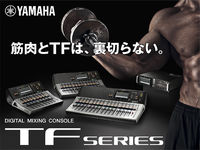

YAMAHA TFシリーズ
 タッチパネルを採用した新世代のデジタル・コンソール。徹底したユーザーフレンドリーな操作体系により、始めてデジタルミキサーを使用される方からから、プロ・ユーザーまで、様々な要望に応えます。
-
 Discount Sale
-
 Outlet
-
 New Arrivals
-
 Podcast (streaming)
-
 Headphones / Earphones
-
 Microphones
-
 Wireless Equipment
-
 Speakers
-
 Power Amps
-
 Mixers
-
 Processors
-
 Portable PA Systems
-
 Recorders
-
 Karaoke
-
 Guitars
-
 Basses
-
 Ukuleles
-
 Drums & Percussion
-
 Pianos / Synthesizers
-
 Wind Instruments
-
 Stringed Instruments
-
 Japanese Instruments
-
 Harmonicas, Other
-
 Software
-
 DJ & VJ
-
 Stands
-
 Cables & Connectors
-
 Racks & Cases
-
 Lighting
-
 Stage & Truss
-
 Video Equipment
-
 PC PERIPHERALS
-
 Power Supplies
-
 Studio Furniture
-
 Household Items, Other
-
 Alcoholic Beverages
Search by Brand
Brand List









- Sound House
- 〒286-0825 14-3 Shinizumi , Narita City, Chiba
- Monday-Friday 10:00-17:00
- Narita Call Center
- TEL. 0476-89-1111
- FAX. 0476-89-2222
- Tokushima Call Center
- TEL. 0885-38-1111
- FAX. 0885-38-1100
- Showroom Hours
- Monday-Friday 10:00-17:00
closed on Saturdays, Sundays and Holidays


© Sound House

すべてのレビューを見る