


- Processors
- Vocal Effects
- Vocal effectors / stomp boxes
- TC HELICON/Critical Mass
TC HELICON / Critical Mass
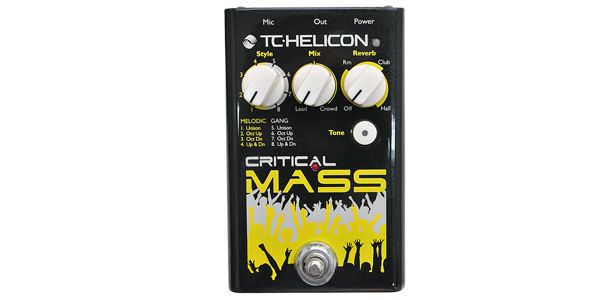
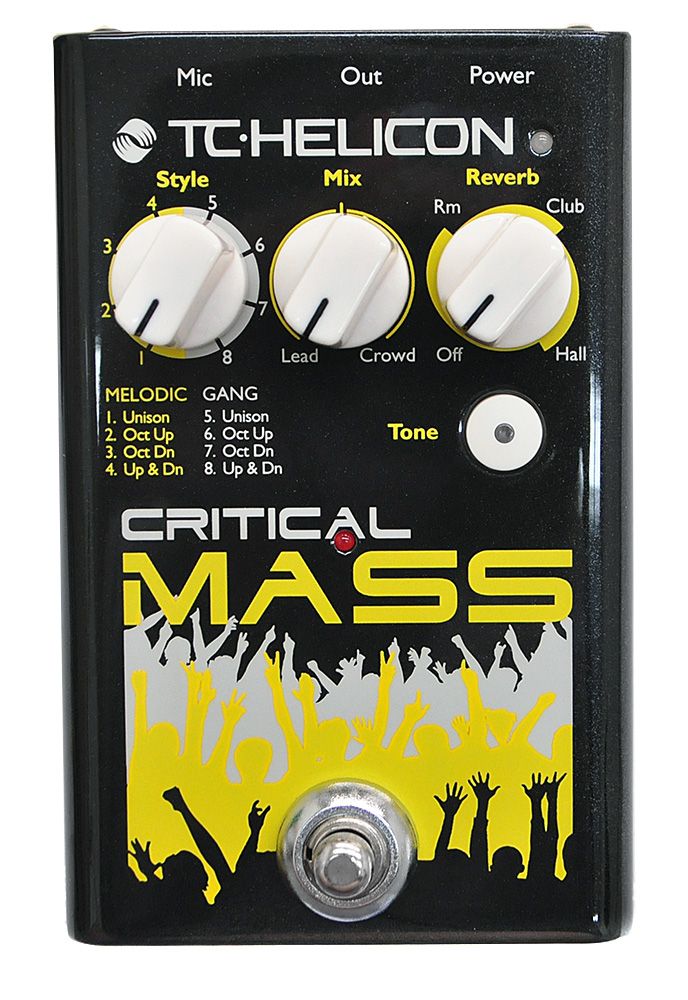
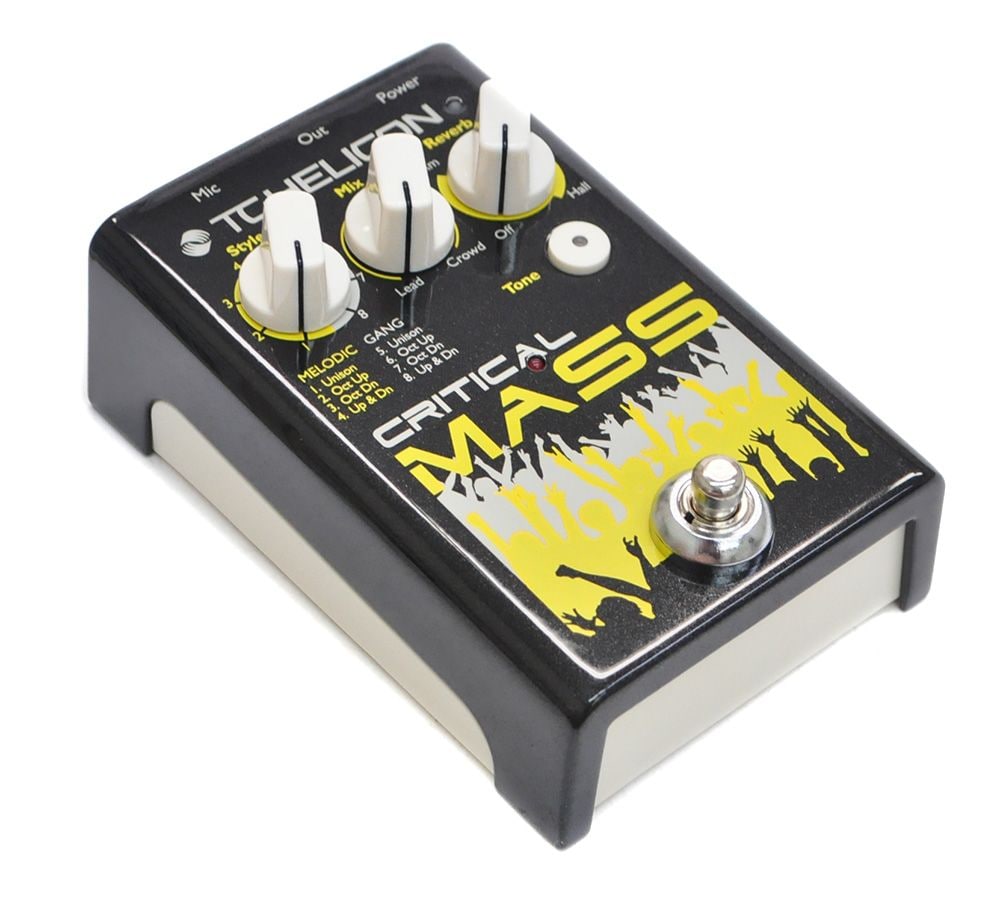
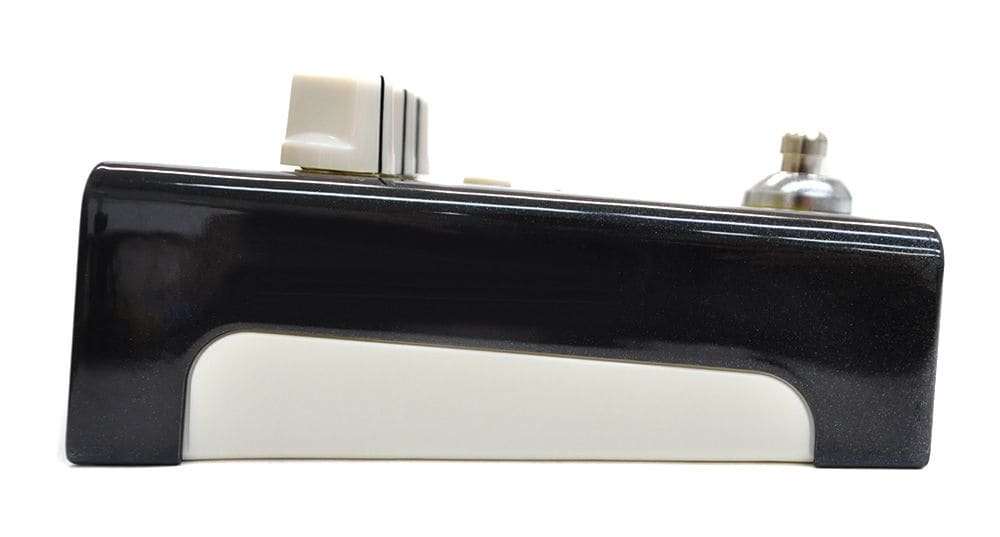
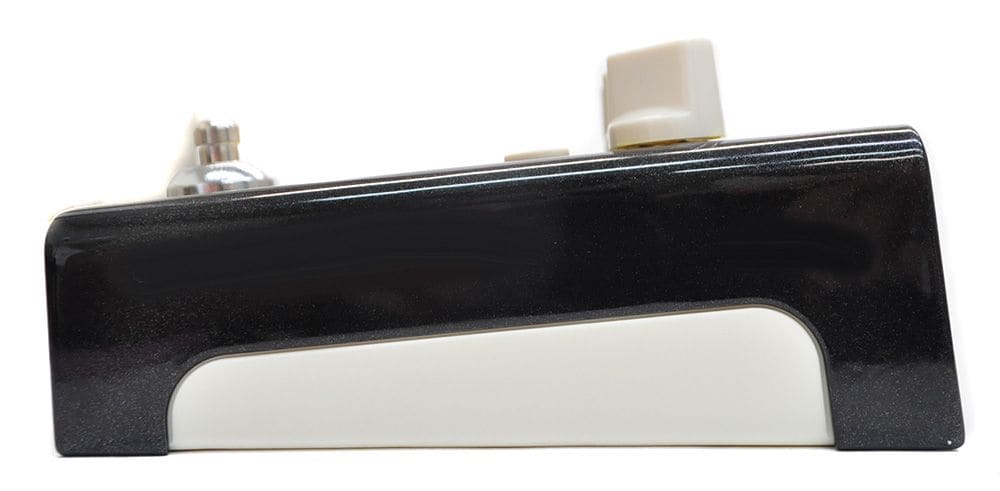





Variations
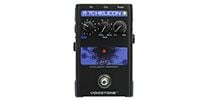
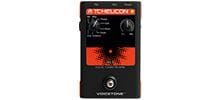
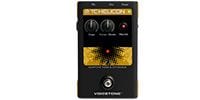
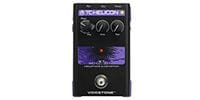
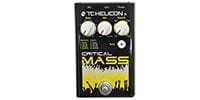
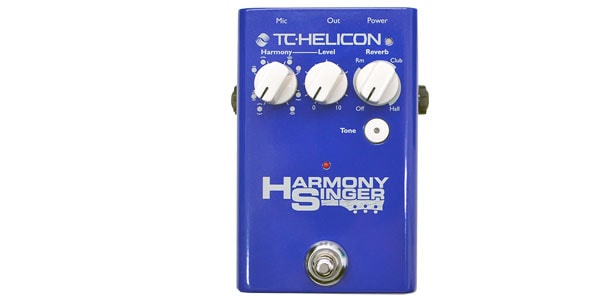
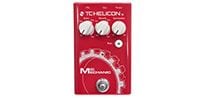
This harmonizer allows you to easily recreate group vocal sounds and shouts simply by connecting a microphone. It features a built-in low-noise microphone preamplifier and three high-quality reverb types, making it ideal for everything from live performances to studio work.


■Main Features
* Equipped with 8 types of harmonies that can be easily switched with a knob.
* ""MELODIC"" reproduces the sound of group singing.
* ""GANG"" creates powerful, enthusiastic choruses for large groups.
* Equipped with studio-grade reverb.
* Phantom power compatible (always on, measured value: approx. 21V)
* The Tone button allows for optimal EQ, compression, distortion, and gate processing to match the vocal quality.
* Built-in low-noise microphone preamp.
Effect Type: Harmonizer/Reverb
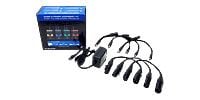
Power Supply: 9VDC adapter (sold separately)
Dimensions, Weight: 140 x 90 x 60 mm, 500g
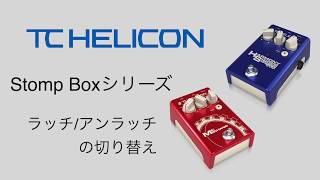
* This product is equipped with an unlatching switch. When turning the power ON/OFF, pressing the TONE button while turning the power switch ON allows you to switch the footswitch operation mode between latching and unlatching.
*Procedure for using the MP-85's MIC CONTROL function
Connect the dedicated microphone ""TC HELICON/MP-85"" and turn on the power switch while holding down the footswitch on the unit.
*The output is balanced microphone level. Always connect to the XLR microphone input terminal using an XLR female-to-XLR male microphone cable. Connecting to a TS/TRS phone line input terminal will result in noise, insufficient volume, and noticeable noise when increasing the gain, making normal use impossible.
*When connecting to a mixer or similar device, turn off the phantom power of the connected device to prevent malfunction.
*The phantom power supplied by the effect unit is approximately +21V (measured value), so condenser microphones requiring +48V cannot be used.
※【Notice Regarding TC HELICON Product Software ""VoiceSupport 2""】
Currently, ""VoiceSupport 2"" can be downloaded from the manufacturer's website, but there have been reports of a bug where the device is not properly recognized (e.g., ""Device in use"" is displayed) in the latest environments such as Windows 11 from 2025 onwards.
We apologize, but at this time, you will have to wait for the manufacturer to release an improved version. We will promptly announce the release of the latest version through news and other channels.
* Equipped with 8 types of harmonies that can be easily switched with a knob.
* ""MELODIC"" reproduces the sound of group singing.
* ""GANG"" creates powerful, enthusiastic choruses for large groups.
* Equipped with studio-grade reverb.
* Phantom power compatible (always on, measured value: approx. 21V)
* The Tone button allows for optimal EQ, compression, distortion, and gate processing to match the vocal quality.
* Built-in low-noise microphone preamp.
Effect Type: Harmonizer/Reverb
Power Supply: 9VDC adapter (sold separately)
Dimensions, Weight: 140 x 90 x 60 mm, 500g
* This product is equipped with an unlatching switch. When turning the power ON/OFF, pressing the TONE button while turning the power switch ON allows you to switch the footswitch operation mode between latching and unlatching.
*Procedure for using the MP-85's MIC CONTROL function
Connect the dedicated microphone ""TC HELICON/MP-85"" and turn on the power switch while holding down the footswitch on the unit.
*The output is balanced microphone level. Always connect to the XLR microphone input terminal using an XLR female-to-XLR male microphone cable. Connecting to a TS/TRS phone line input terminal will result in noise, insufficient volume, and noticeable noise when increasing the gain, making normal use impossible.
*When connecting to a mixer or similar device, turn off the phantom power of the connected device to prevent malfunction.
*The phantom power supplied by the effect unit is approximately +21V (measured value), so condenser microphones requiring +48V cannot be used.
※【Notice Regarding TC HELICON Product Software ""VoiceSupport 2""】
Currently, ""VoiceSupport 2"" can be downloaded from the manufacturer's website, but there have been reports of a bug where the device is not properly recognized (e.g., ""Device in use"" is displayed) in the latest environments such as Windows 11 from 2025 onwards.
We apologize, but at this time, you will have to wait for the manufacturer to release an improved version. We will promptly announce the release of the latest version through news and other channels.
関連商品
-
¥8,980(incl. tax)
 In Stock
 -
 PLAYTECH / Position Seal Red/White
¥250(incl. tax)
In Stock -
¥3,580(incl. tax)
In Stock
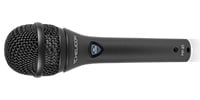 TC HELICON / MP-85
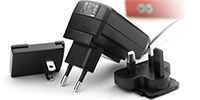 TC ELECTRONIC / PowerPlug 9
商品レビューProduct Review
2024/08/26
 このシリーズで1番リアル
投稿者名Reviewed by:。・ω・。 【東京都】
未だハーモニーは声がくっ付いて気持ち悪い。
コレはオクターブなのか?1番違和感がない。
声にも厚みが出るので薄く掛けっぱなしでも良いかもしれない。
レビューIDReview ID:152124





不適切な投稿として報告しますか?
理由
ご協力ありがとうございました
投稿を削除しますか?
投稿されたレビューを削除しました。
TC HELICON
Critical Mass
Item ID:236576
19,800 yen(incl. tax)

1,980Pt(10%)Detail
- 198Pts
通常ポイント
- 1,782Pts
ポイント10倍キャンペーン
- 1,980Pts
Total
- In Stock
- In Stock, can be shipped when order is confirmed.
- Low Stock
- Low Stock, may be sold out soon.
- Scheduled date
- Expected to arrive at Sound House on this date.
- TBA
- Expected date of arrival at Sound House to be determined.
- Back Order
- It needs to be orderd from the manufacturer. Please inquire about the estimated date of arrival.
- Mfr. Delivery
- Must be ordered from manufacturer. Please inquire about the estimated date of arrival.
- Download
- Only the serial number will be sent to your registered email address.
- Special Order
- Made to order item or must be ordered from manufacturer. May take several weeks or months.
- No Longer Available
- Product is no longer available due to having been discoutined or other reasons.
Rating


この商品に関連するセレクションRelated Articles

-
 Discount Sale
-
 Outlet
-
 New Arrivals
-
 Podcast (streaming)
-
 Headphones / Earphones
-
 Microphones
-
 Wireless Equipment
-
 Speakers
-
 Power Amps
-
 Mixers
-
 Processors
-
 Portable PA Systems
-
 Recorders
-
 Karaoke
-
 Guitars
-
 Basses
-
 Ukuleles
-
 Drums & Percussion
-
 Pianos / Synthesizers
-
 Wind Instruments
-
 Stringed Instruments
-
 Japanese Instruments
-
 Harmonicas, Other
-
 Software
-
 DJ & VJ
-
 Stands
-
 Cables & Connectors
-
 Racks & Cases
-
 Lighting
-
 Stage & Truss
-
 Video Equipment
-
 PC PERIPHERALS
-
 Power Supplies
-
 Studio Furniture
-
 Household Items, Other
-
 Alcoholic Beverages
Search by Brand
Brand List








- Sound House
- 〒286-0825 14-3 Shinizumi , Narita City, Chiba
- Monday-Friday 10:00-17:00
- Narita Call Center
- TEL. 0476-89-1111
- FAX. 0476-89-2222
- Tokushima Call Center
- TEL. 0885-38-1111
- FAX. 0885-38-1100
- Showroom Hours
- Monday-Friday 10:00-17:00
closed on Saturdays, Sundays and Holidays


© Sound House

すべてのレビューを見る