


- Speakers
- Wireless Speakers
- Bluetooth Speakers
- Anker/Anker Soundcore 3 ネイビー
Anker / Anker Soundcore 3 ネイビー
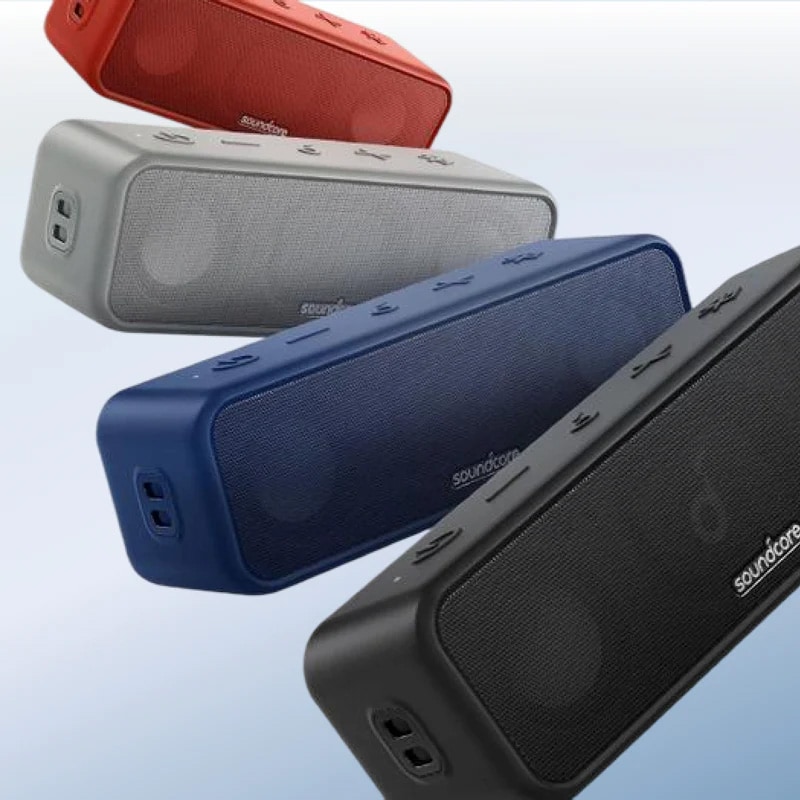


Variations
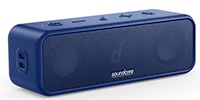
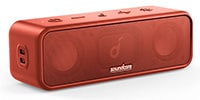
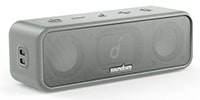
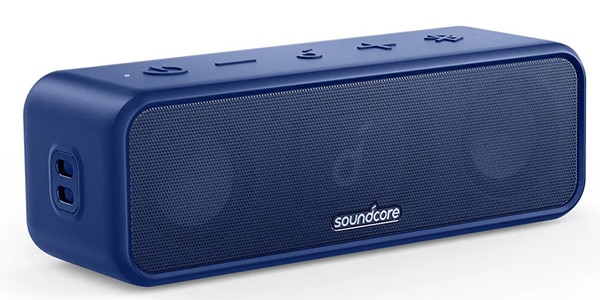
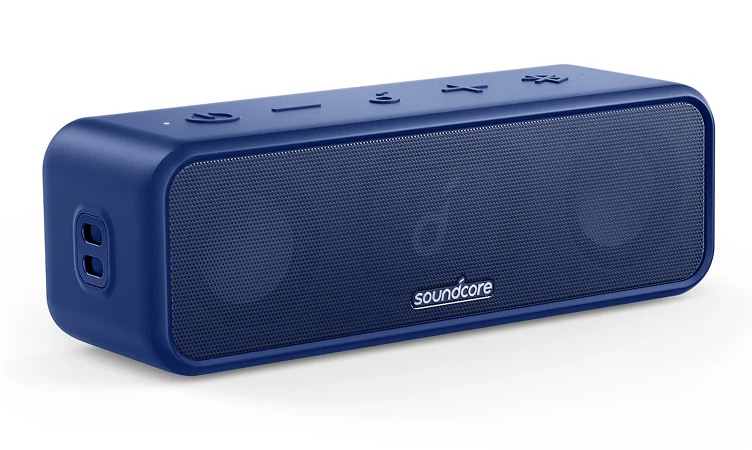
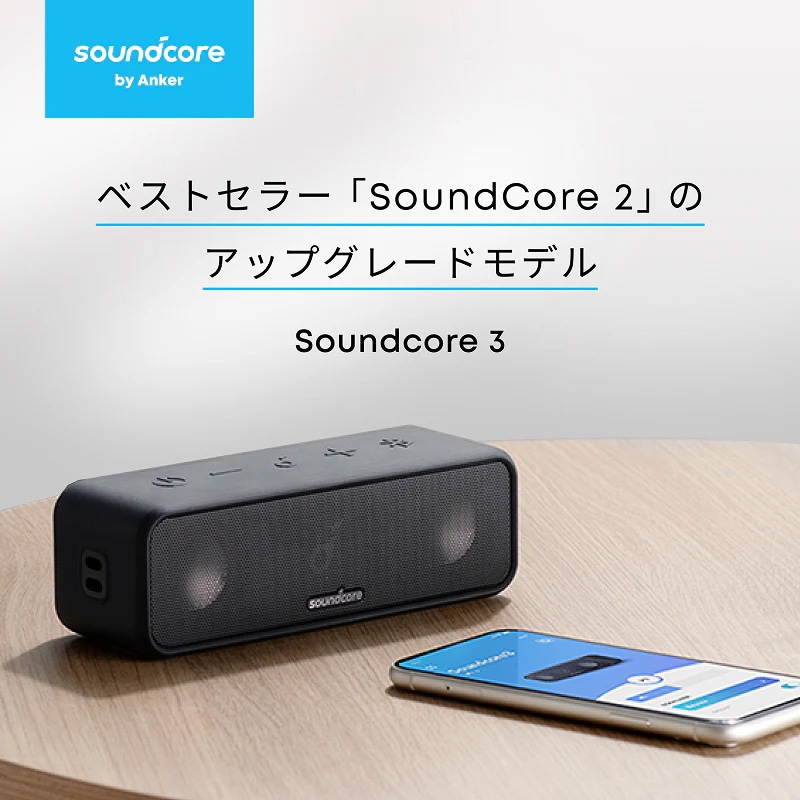
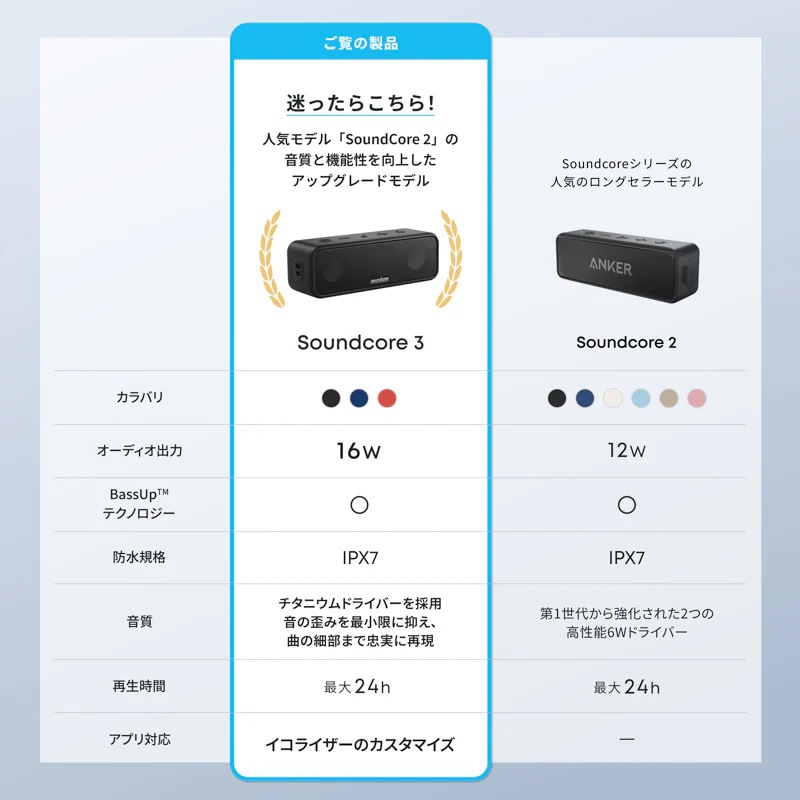
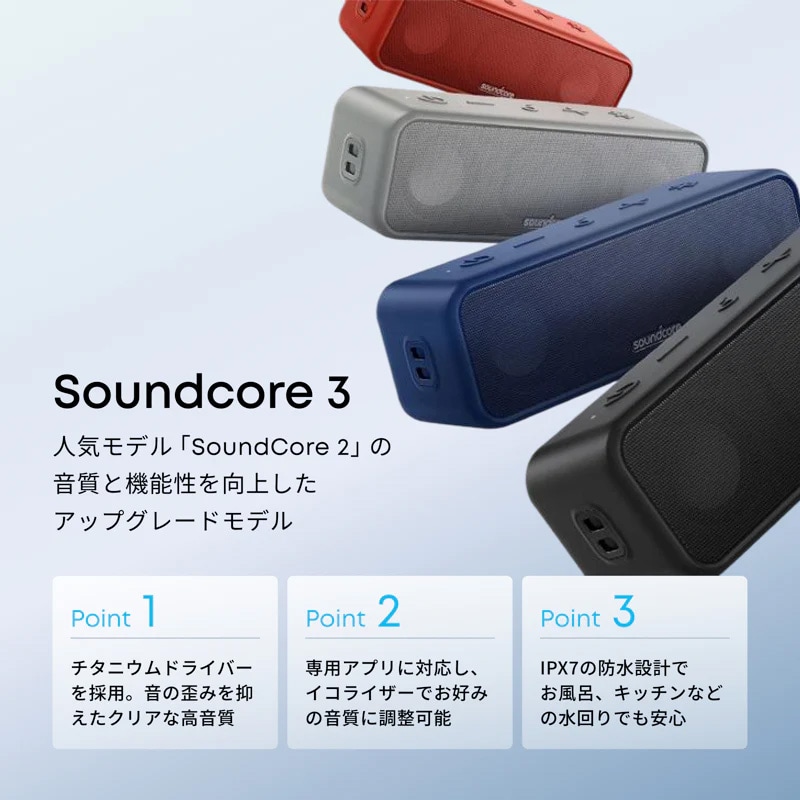
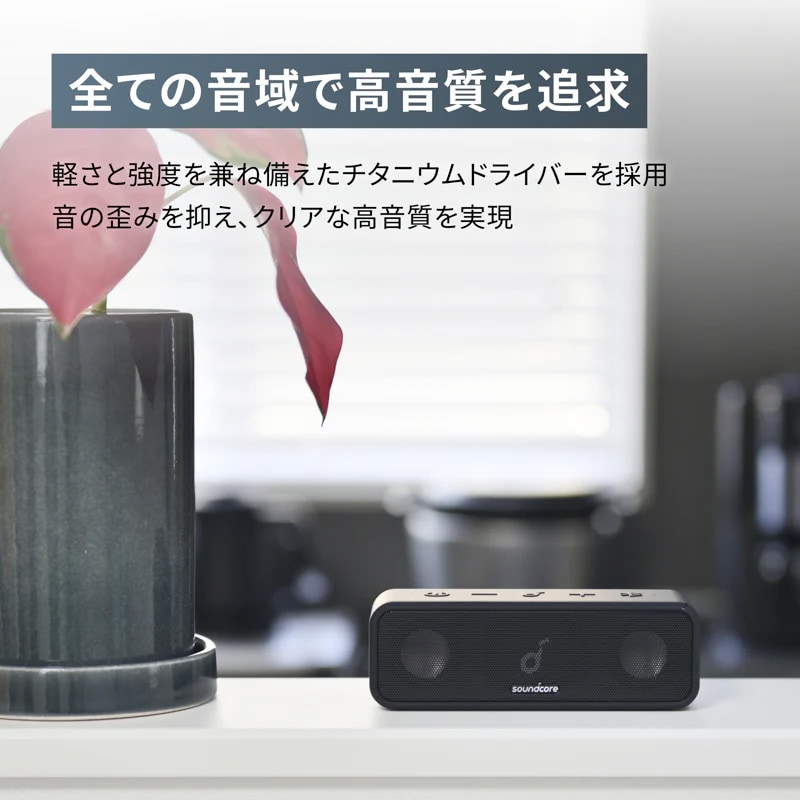
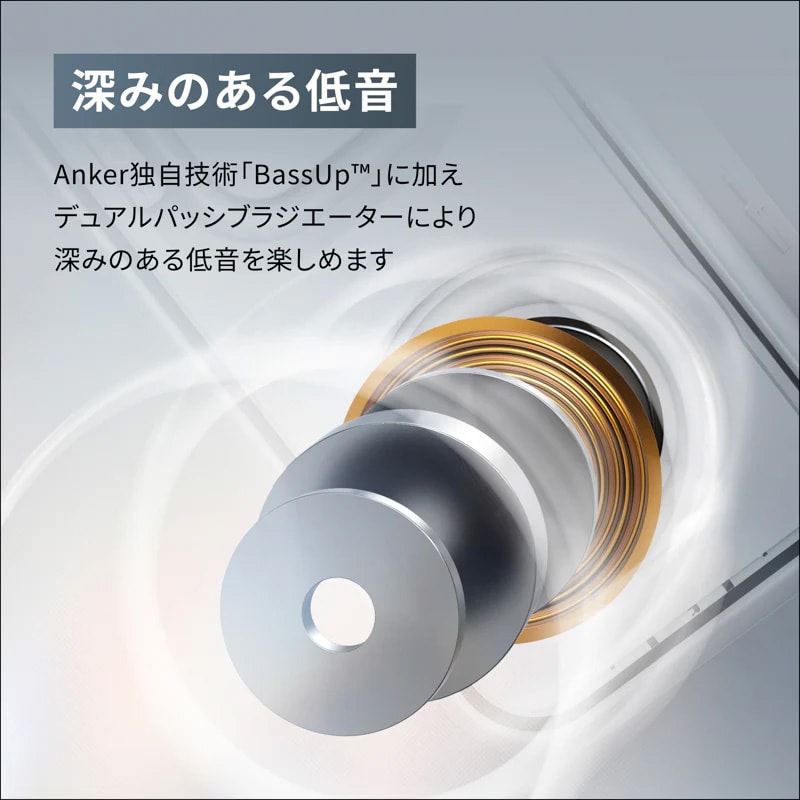
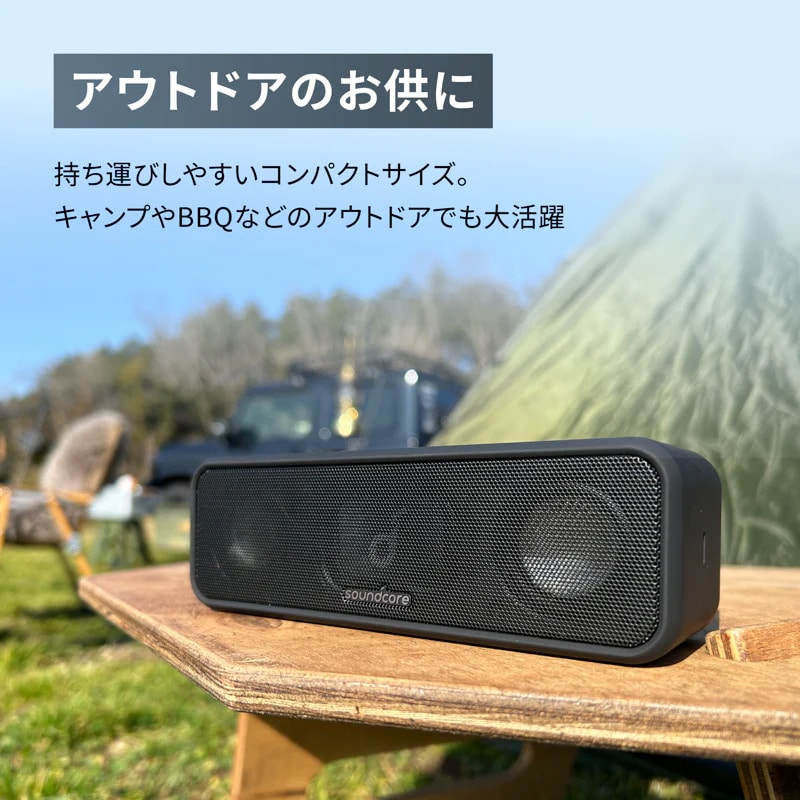
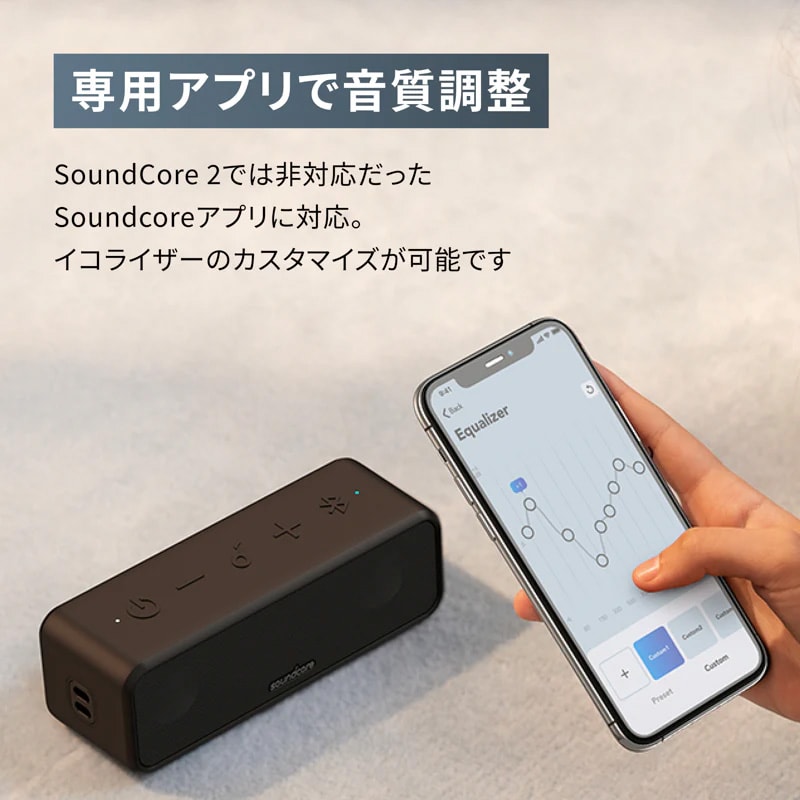
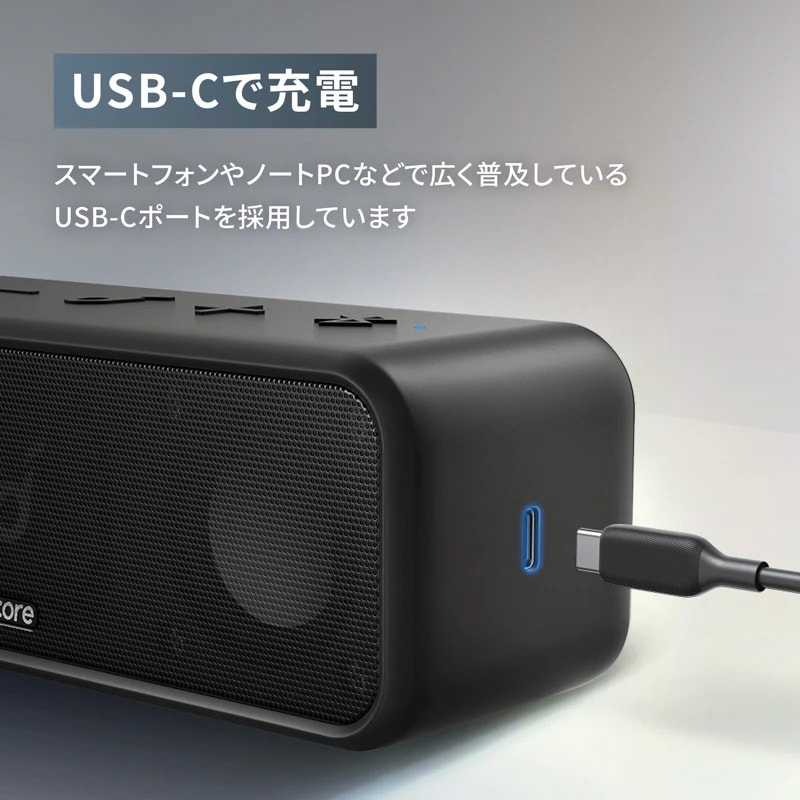
The Anker Soundcore 3 retains the ease of use of the popular Anker SoundCore 2 while upgrading sound quality and functionality. The driver output has been increased from 12W to 16W, and high-quality sound has been pursued across all frequency ranges, from low to high. Functionality has also been expanded with features such as compatibility with the Soundcore app and the adoption of a USB-C port.
Product Specifications
■Color: Navy
■Size: Approx. 174 x 57 x 59mm
■Weight: Approx. 500g
■Audio Output: 16W (8W x 2)
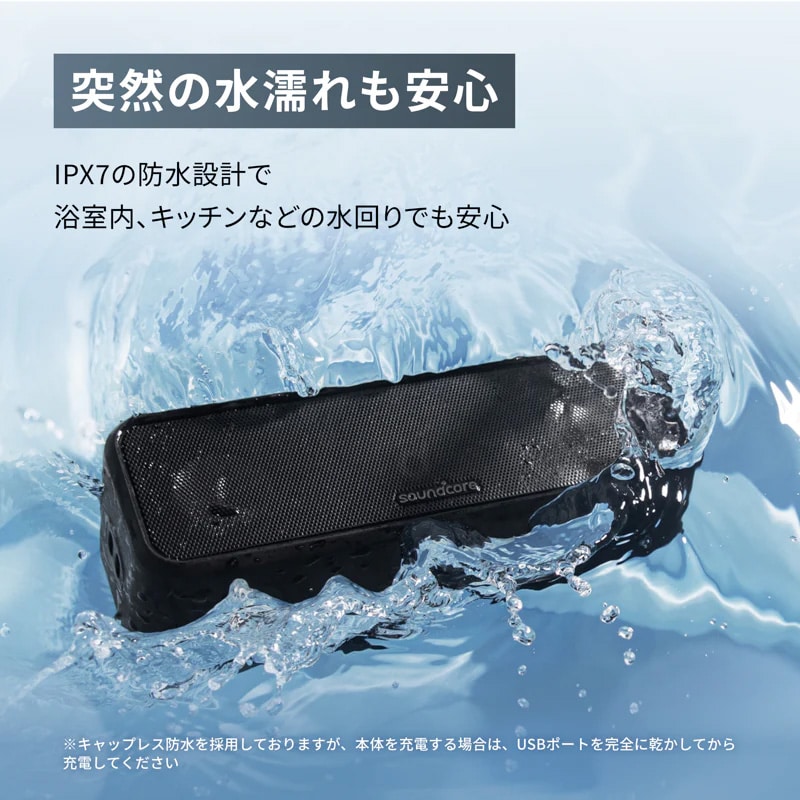
■Dustproof/Waterproof Rating: IPX7 (*Defined as being able to withstand temporary submersion (30 minutes) in water at a certain depth (1m) without internal water ingress.)
■Communication Standard: Bluetooth 5
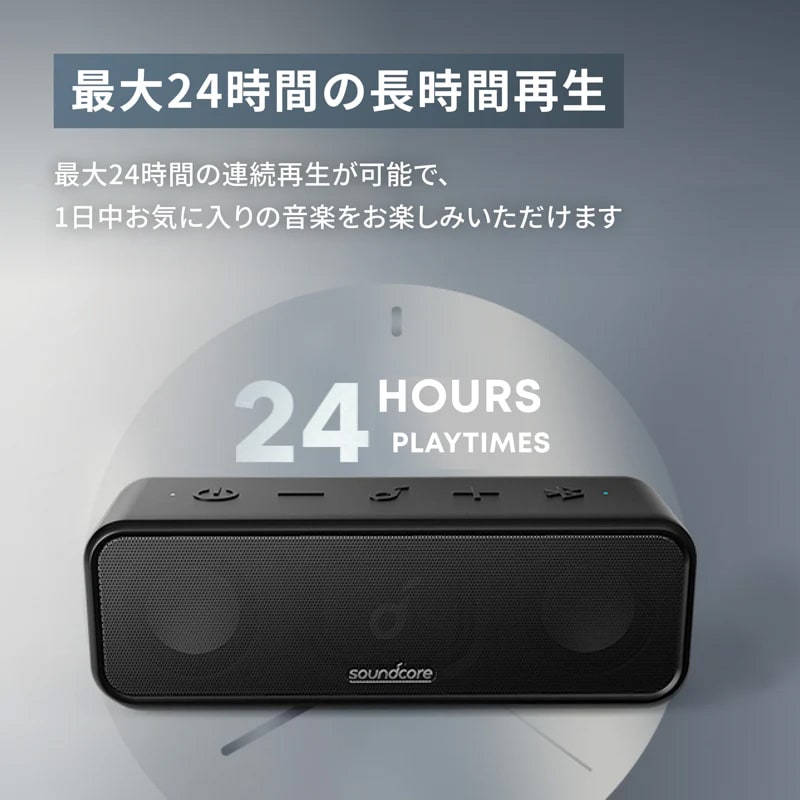
■Continuous Playback Time: Up to 24 hours
■Additional Information:
PartyCast Setup Instructions
1. Connect one Soundcore 3 unit as the master unit to a smartphone or other device.
2. Press and hold the Bluetooth button on both the master unit and the other Soundcore 3 units (slave units) you want to connect to the master unit to switch to PartyCast mode. Double-click the Bluetooth button on the unit to be used as a slave unit and confirm that the white light flashes rapidly.
*When successfully connected, the master unit's Bluetooth indicator will continue to flash white, and the slave unit's indicator will light up white. * To switch a slave unit to a master unit, press the Bluetooth button twice to connect to your smartphone. To switch a master unit to a slave unit, press the Bluetooth button twice to connect to an available master unit.
* To exit PartyCast mode, press and hold the Bluetooth button on either unit for 2 seconds.
* Once PartyCast is connected, subsequent connections will be automatic when each unit is powered on.
■Package Contents:
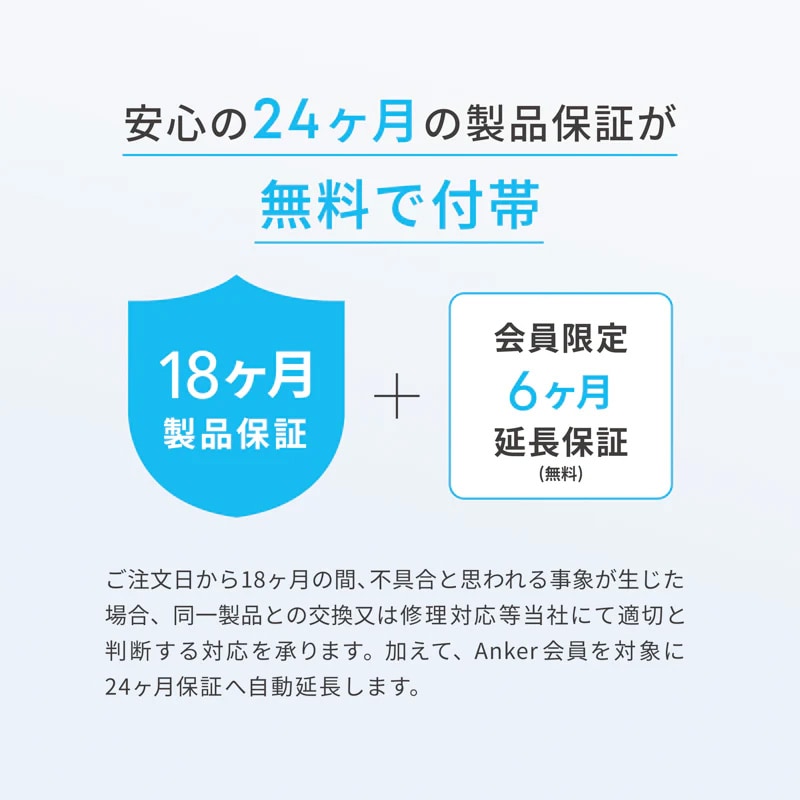
Anker Soundcore 3, USB-C & USB-A cable, wrist strap, quick start guide, safety manual, 18-month warranty + 6 months (after Anker membership registration), customer support
■Caution:
* Do not charge this product when it is wet. If charging after getting wet, completely dry the USB port before charging.
* This product does not support true wireless stereo pairing.
* Connection method is Bluetooth only. There is no AUX port on the product.
? Playback time varies depending on volume, content played, and usage environment.
? When charging this product, please ensure that no foreign objects or water are present in the charging port or cable.
? Product specifications are subject to change without notice.
■Color: Navy
■Size: Approx. 174 x 57 x 59mm
■Weight: Approx. 500g
■Audio Output: 16W (8W x 2)
■Dustproof/Waterproof Rating: IPX7 (*Defined as being able to withstand temporary submersion (30 minutes) in water at a certain depth (1m) without internal water ingress.)
■Communication Standard: Bluetooth 5
■Continuous Playback Time: Up to 24 hours
■Additional Information:
PartyCast Setup Instructions
1. Connect one Soundcore 3 unit as the master unit to a smartphone or other device.
2. Press and hold the Bluetooth button on both the master unit and the other Soundcore 3 units (slave units) you want to connect to the master unit to switch to PartyCast mode. Double-click the Bluetooth button on the unit to be used as a slave unit and confirm that the white light flashes rapidly.
*When successfully connected, the master unit's Bluetooth indicator will continue to flash white, and the slave unit's indicator will light up white. * To switch a slave unit to a master unit, press the Bluetooth button twice to connect to your smartphone. To switch a master unit to a slave unit, press the Bluetooth button twice to connect to an available master unit.
* To exit PartyCast mode, press and hold the Bluetooth button on either unit for 2 seconds.
* Once PartyCast is connected, subsequent connections will be automatic when each unit is powered on.
■Package Contents:
Anker Soundcore 3, USB-C & USB-A cable, wrist strap, quick start guide, safety manual, 18-month warranty + 6 months (after Anker membership registration), customer support
■Caution:
* Do not charge this product when it is wet. If charging after getting wet, completely dry the USB port before charging.
* This product does not support true wireless stereo pairing.
* Connection method is Bluetooth only. There is no AUX port on the product.
? Playback time varies depending on volume, content played, and usage environment.
? When charging this product, please ensure that no foreign objects or water are present in the charging port or cable.
? Product specifications are subject to change without notice.
商品レビューProduct Review




不適切な投稿として報告しますか?
理由
ご協力ありがとうございました
投稿を削除しますか?
投稿されたレビューを削除しました。
Anker
Anker Soundcore 3 ネイビー
Item ID:391254
6,990 yen(incl. tax)

69Pt(1%)Detail
- 69Pts
通常ポイント
- 69Pts
Total
 In Stock
 - In Stock
- In Stock, can be shipped when order is confirmed.
- Low Stock
- Low Stock, may be sold out soon.
- Scheduled date
- Expected to arrive at Sound House on this date.
- TBA
- Expected date of arrival at Sound House to be determined.
- Back Order
- It needs to be orderd from the manufacturer. Please inquire about the estimated date of arrival.
- Mfr. Delivery
- Must be ordered from manufacturer. Please inquire about the estimated date of arrival.
- Download
- Only the serial number will be sent to your registered email address.
- Special Order
- Made to order item or must be ordered from manufacturer. May take several weeks or months.
- No Longer Available
- Product is no longer available due to having been discoutined or other reasons.
Rating


この商品に関連するセレクションRelated Articles
-
 Discount Sale
-
 Outlet
-
 New Arrivals
-
 Podcast (streaming)
-
 Headphones / Earphones
-
 Microphones
-
 Wireless Equipment
-
 Speakers
-
 Power Amps
-
 Mixers
-
 Processors
-
 Portable PA Systems
-
 Recorders
-
 Karaoke
-
 Guitars
-
 Basses
-
 Ukuleles
-
 Drums & Percussion
-
 Pianos / Synthesizers
-
 Wind Instruments
-
 Stringed Instruments
-
 Japanese Instruments
-
 Harmonicas, Other
-
 Software
-
 DJ & VJ
-
 Stands
-
 Cables & Connectors
-
 Racks & Cases
-
 Lighting
-
 Stage & Truss
-
 Video Equipment
-
 PC PERIPHERALS
-
 Power Supplies
-
 Studio Furniture
-
 Household Items, Other
-
 Alcoholic Beverages
Search by Brand
Brand List








- Sound House
- 〒286-0825 14-3 Shinizumi , Narita City, Chiba
- Monday-Friday 10:00-17:00
- Narita Call Center
- TEL. 0476-89-1111
- FAX. 0476-89-2222
- Tokushima Call Center
- TEL. 0885-38-1111
- FAX. 0885-38-1100
- Showroom Hours
- Monday-Friday 10:00-17:00
closed on Saturdays, Sundays and Holidays


© Sound House

すべてのレビューを見る