


- PC Peripherals
- Keybords/Mouse
- MOUSE
- ESR/MagMouse Black ES28322
ESR / MagMouse Black ES28322


Variations
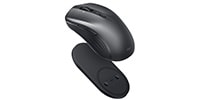
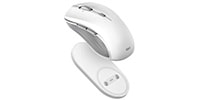
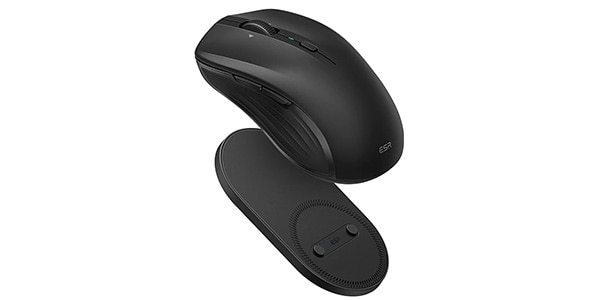
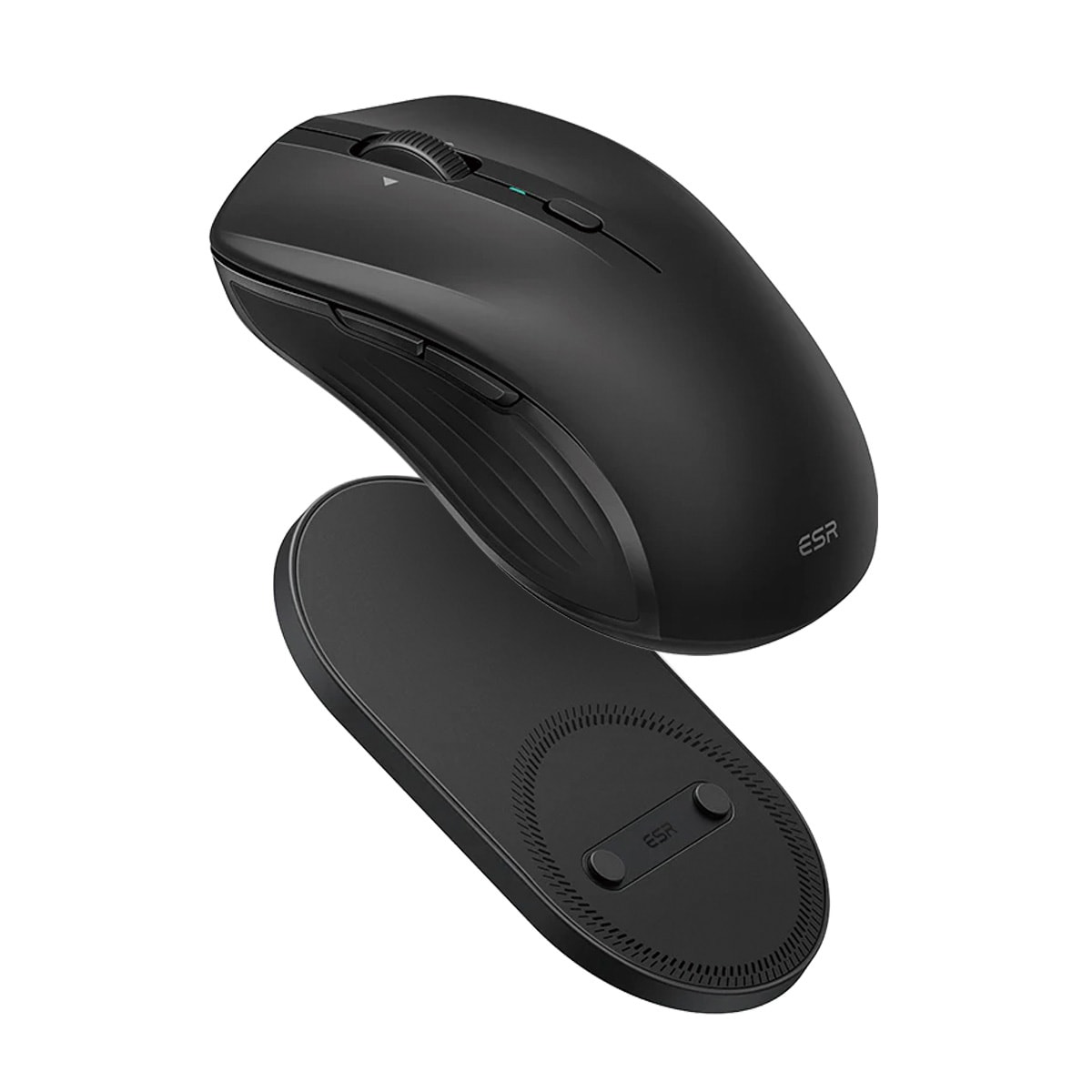
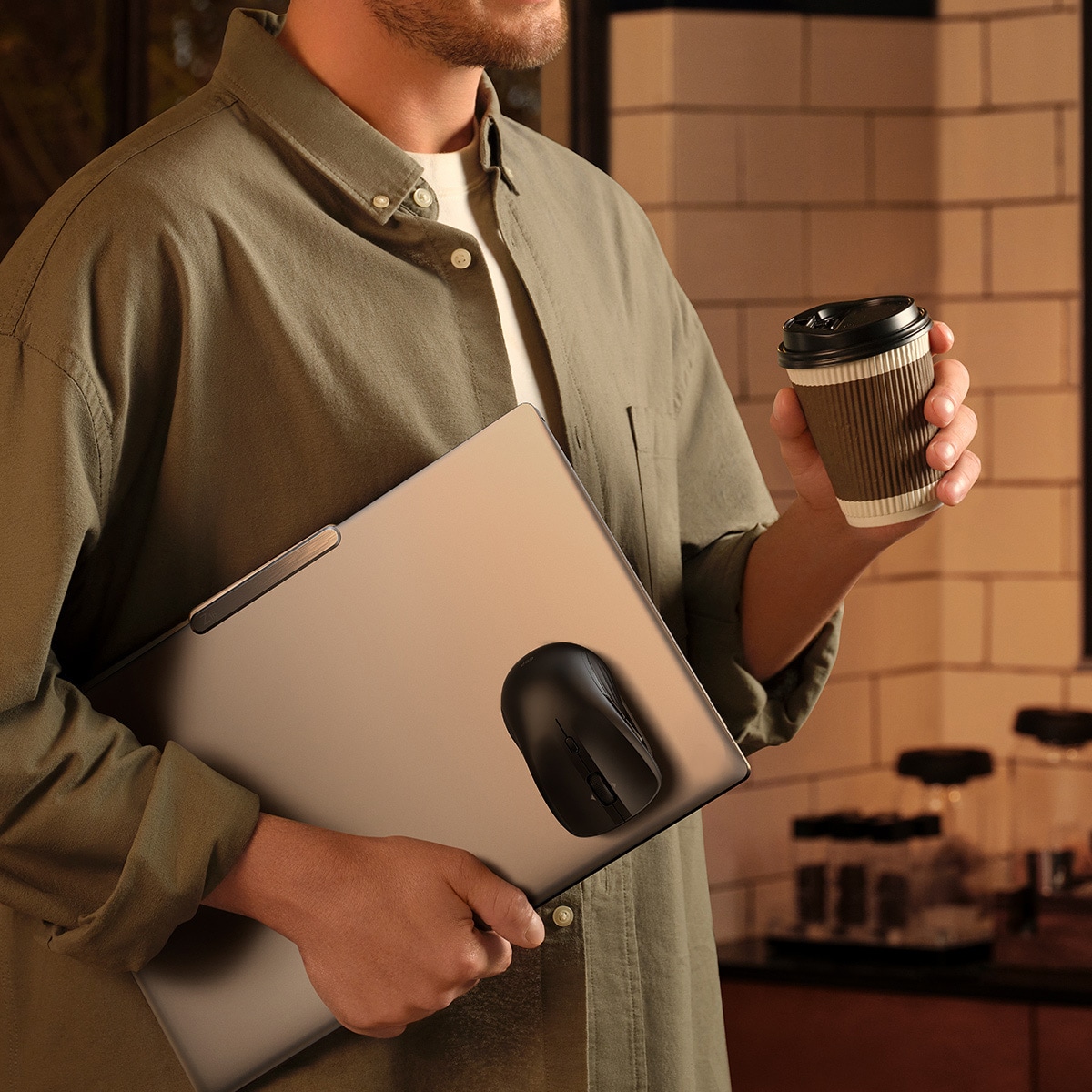
<>MagMouse is a wireless mouse that can be attached to your laptop using the included magnetic base and made portable.
■Wireless Mouse
【Specifications】
■Color: Black
■Bluetooth Version: 5.0
■Radio Frequency: 2.4GHz
■Bluetooth Communication Range: Approx. 10m
■Battery: 5.0V 500mAh (Lithium Polymer Battery)
■Compatible OS: macOS, iPadOS, Android 5.0 or later, Windows 11/10/8/7/XP, iOS, Linux
■Mouse Sensitivity: 800/1200/1600/2400/3200/4800 DPI
*Higher DPI values result in faster pointer movement.
■Sensor Type: Optical Sensor
■Number of Buttons: 7
■Charging Cable: Built-in USB-C
■Charging Port: USB-C
■Charging Time: Approx. 45 minutes
■Usage Time: Approx. 160 hours
*Varies depending on usage frequency, environment, and conditions.
・Easy portability by attaching to a laptop
Simply attach the included magnetic base to your laptop and set the mouse in place for easy portability. The magnetic base features a reusable adhesive surface, allowing for repeated attachment and reattachment. The magnet and two locking pins securely hold the mouse in place, eliminating worries about it falling.
* Fast Charging with Built-in USB Cable
A USB-C charging cable is built into the main unit. A mere 1 minute charge provides approximately 4 hours of use, and a full charge of approximately 45 minutes provides approximately 80 days of use (based on 2 hours of use per day). There's no need to prepare a separate cable; simply pull it out and charge.
*Usage time may vary depending on usage frequency, environment, and conditions.
* 4-Way Scroll Wheel
Equipped with a scroll wheel that provides comfortable operation with a moderate click feel. In addition to smooth vertical movement, tilting the wheel sideways allows for horizontal movement. Convenient for spreadsheets, wide images, and timeline operations, it's ideal for music and video creators who frequently use horizontal scrolling.
* Silent Design to Reduce Click Noise
The silent design reduces click noise, allowing you to concentrate on your work without disturbing others in quiet environments such as libraries and offices. Furthermore, with a high-durability design boasting approximately 10 million button clicks, you can use it with peace of mind for a long period of time.
• 6-Stage DPI Switching via Button
A DPI switching button is located above the scroll wheel, allowing you to adjust the tracking sensitivity to your preference in 6 stages (800/1200/1600/2400/3200/4800). Optimize the pointer speed according to your task for more efficient work.
• Two Connection Methods
Supports both Bluetooth 5.0 and a 2.4GHz wireless receiver. Once paired via Bluetooth, it will automatically connect from the next time onwards. You can freely choose the connection method according to your environment and device.
*The 2.4GHz wireless receiver is stored on the bottom of the mouse and can be easily removed.
【Pairing Method】
① Set the power switch on the bottom of the mouse to the Bluetooth position.
② Press and hold the pairing button on the underside of the mouse for 3 seconds until the connection indicator flashes rapidly.
③ Select ""MagMouse"" from your device's Bluetooth settings screen to complete the connection.
*For iPhones, after connecting via Bluetooth, turn on the switch in ""Accessibility"" ⇒ ""Touch"" ⇒ ""Assistive Touch"".
商品レビューProduct Review




不適切な投稿として報告しますか?
理由
ご協力ありがとうございました
投稿を削除しますか?
投稿されたレビューを削除しました。
ESR
MagMouse Black ES28322
Item ID:378320
4,380 yen(incl. tax)

43Pt(1%)Detail
- 43Pts
通常ポイント
- 43Pts
Total
 Low Stock
- In Stock
- In Stock, can be shipped when order is confirmed.
- Low Stock
- Low Stock, may be sold out soon.
- Scheduled date
- Expected to arrive at Sound House on this date.
- TBA
- Expected date of arrival at Sound House to be determined.
- Back Order
- It needs to be orderd from the manufacturer. Please inquire about the estimated date of arrival.
- Mfr. Delivery
- Must be ordered from manufacturer. Please inquire about the estimated date of arrival.
- Download
- Only the serial number will be sent to your registered email address.
- Special Order
- Made to order item or must be ordered from manufacturer. May take several weeks or months.
- No Longer Available
- Product is no longer available due to having been discoutined or other reasons.
Rating


-
 Discount Sale
-
 Outlet
-
 New Arrivals
-
 Podcast (streaming)
-
 Headphones / Earphones
-
 Microphones
-
 Wireless Equipment
-
 Speakers
-
 Power Amps
-
 Mixers
-
 Processors
-
 Portable PA Systems
-
 Recorders
-
 Karaoke
-
 Guitars
-
 Basses
-
 Ukuleles
-
 Drums & Percussion
-
 Pianos / Synthesizers
-
 Wind Instruments
-
 Stringed Instruments
-
 Japanese Instruments
-
 Harmonicas, Other
-
 Software
-
 DJ & VJ
-
 Stands
-
 Cables & Connectors
-
 Racks & Cases
-
 Lighting
-
 Stage & Truss
-
 Video Equipment
-
 PC PERIPHERALS
-
 Power Supplies
-
 Studio Furniture
-
 Household Items, Other
-
 Alcoholic Beverages
Search by Brand
Brand List






- Sound House
- 〒286-0825 14-3 Shinizumi , Narita City, Chiba
- Monday-Friday 10:00-17:00
- Narita Call Center
- TEL. 0476-89-1111
- FAX. 0476-89-2222
- Tokushima Call Center
- TEL. 0885-38-1111
- FAX. 0885-38-1100
- Showroom Hours
- Monday-Friday 10:00-17:00
closed on Saturdays, Sundays and Holidays


© Sound House

すべてのレビューを見る