


- Software
- Plug-in/Software
- Waves plug-ins (Native)
- WAVES/Waves Streaming Audio Enhancement Pack (Simple Package)
WAVES / Waves Streaming Audio Enhancement Pack (Simple Package)
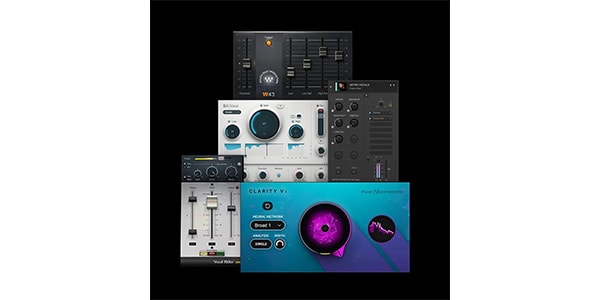
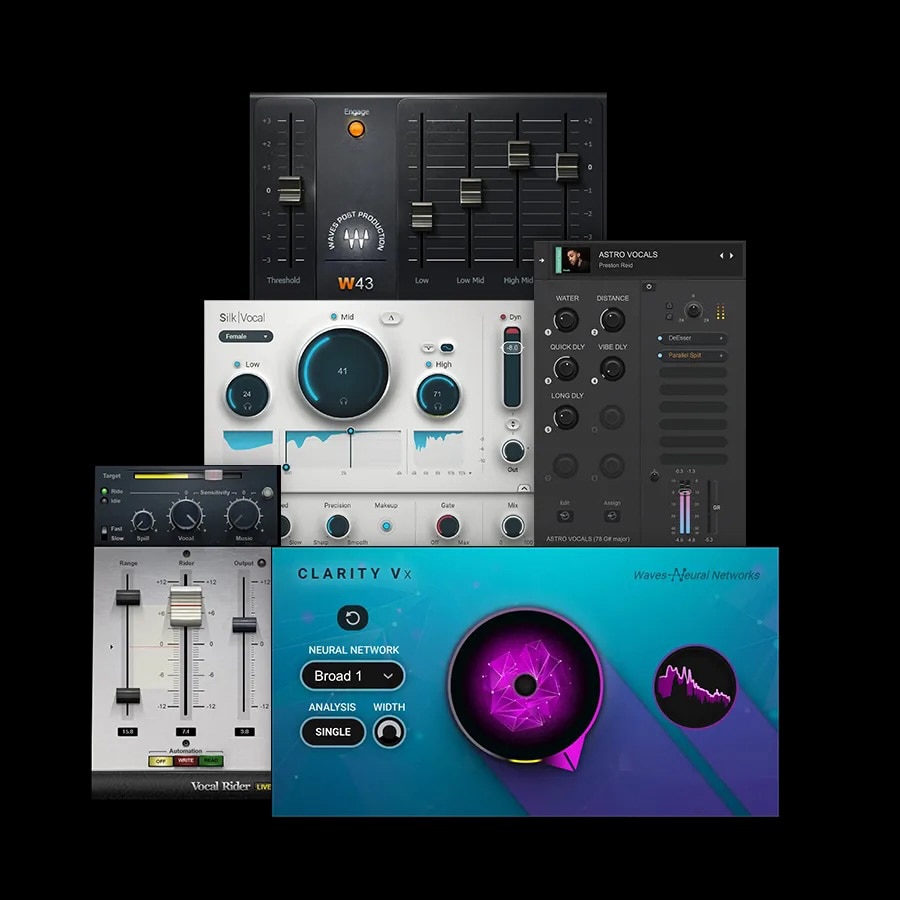
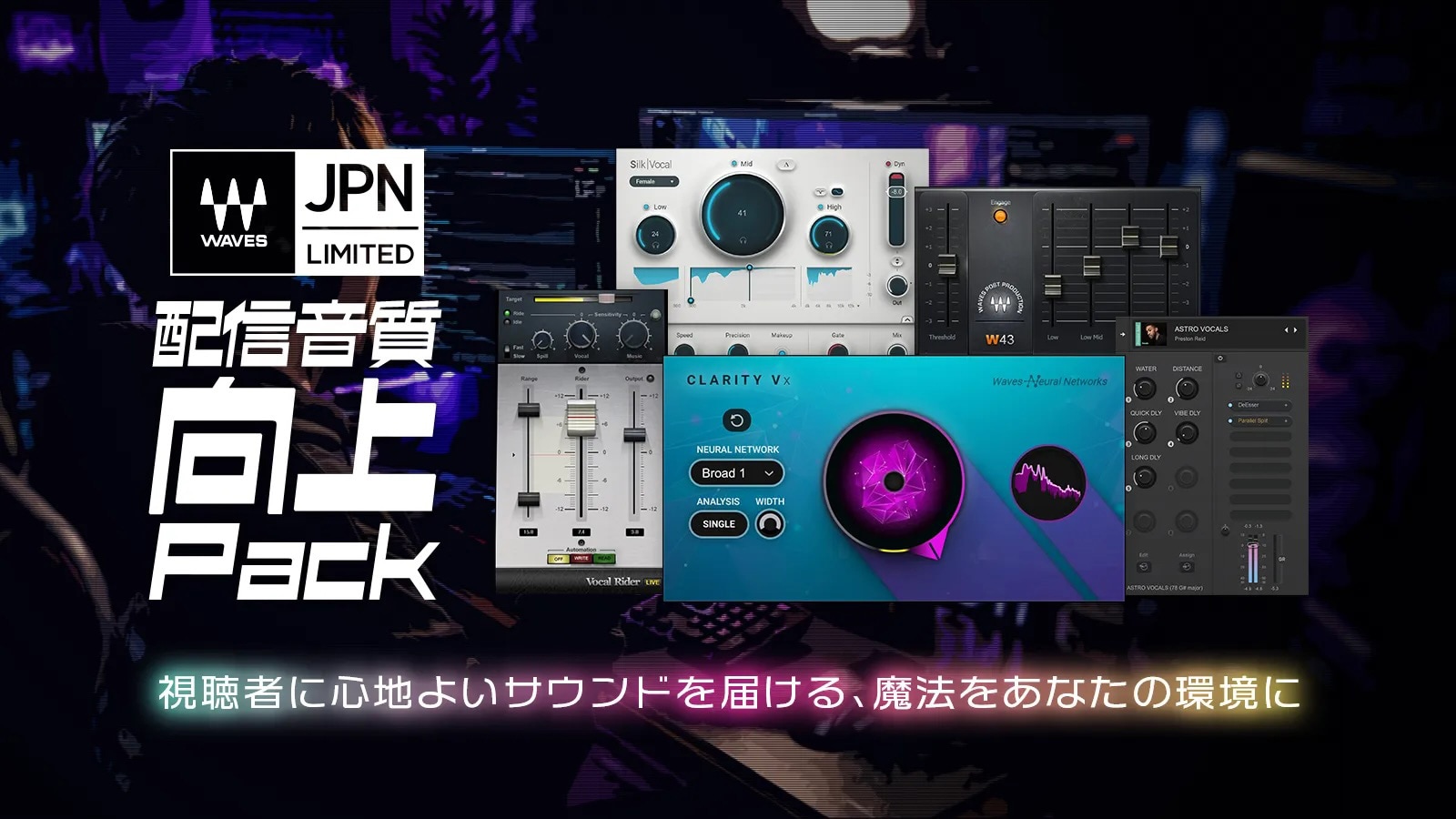


Get a ""pleasant voice"" instantly. Simplified packaging version.
■Plugin Bundle
■Domestic Limited Time Offer
---------
■Simplified Package Version
This is the product page for the simplified package version.
A simplified package containing a serial number will be delivered to your specified address. You will register the serial number on the manufacturer's website and download the installer.
---------
Game streaming, chat streaming, singing streaming, podcasts, vlogs, video editing... Bring the magic of pleasant sound to your environment.
Contents
・Silk Vocal
A voice-specific adjustment tool to make your voice easier to hear for streaming.
It processes complex settings such as EQ and compressors all at once, resulting in a natural and clear voice.
・Vocal Rider
A tool that automatically equalizes voice volume.
It suppresses voices that are too quiet and sudden volume differences, supporting easy-to-listen-to broadcasts.
・Clarity Vx
An AI-based high-performance noise reduction tool.
It suppresses keyboard sounds, air conditioner noise, fan noise, etc., and clearly extracts only the voice.
・W43 Noise Reduction Plugin
A noise reduction tool for streaming that includes instrument performances and ambient sounds.
Ideal for streaming styles that handle sounds other than voice.
・StudioVerse Audio for OBS
A plugin management tool that can be used immediately with OBS.
Even beginners can easily set up a Waves plugin environment.
No complicated settings required! A setting pack with only up to 6 knobs is also included!
For common streaming problems
For streamers, we have created an audio adjustment effect used in professional settings that requires ""no complicated adjustments.""
* I want to improve the sound quality of my streams, but I don't know where to start.
* My voice sounds muffled and difficult to hear.
* It sounds shrill and tires out the listeners' ears.
* My voice volume is inconsistent.
* OBS's built-in noise suppression makes my voice disappear.
* I'm using plugins for the first time, so I'm worried about the settings.
* I'm bothered by noise from the air conditioner or PC fan.
Choose the right plugin for your streaming style
* For talk and chat-focused streams:
Use Clarity Vx to remove noise, Silk Vocal to refine the sound quality, and Vocal Rider to equalize the volume.
Ideal for chat streams, VTubers, and game commentary.
* If you also want to handle instruments, vocals, and ambient sounds:
Use W43 instead of Clarity Vx.
* For acoustic performances, singing streams, studio streams, etc.:
You can reduce noise while naturally preserving ""sounds other than your voice.""
Easy to use even for beginners
This set also includes a settings pack adjusted for the Japanese streaming environment.
• Ready-to-use presets
• Installation guide
• Setup information for OBS
Even users who are new to effect plugins can easily install it.
■ Operating Environment
Waves products may have different supported host applications and features depending on the plugin. For information on the operating environment and supported host applications, please see the manufacturer's website product page at .
*StudioVerse Audio Effects for OBS is not compatible with OBS Studio for Apple Silicon. Please use it in a Windows environment or with the Intel Mac application.
■Domestic Limited Time Offer
---------
■Simplified Package Version
This is the product page for the simplified package version.
A simplified package containing a serial number will be delivered to your specified address. You will register the serial number on the manufacturer's website and download the installer.
---------
Game streaming, chat streaming, singing streaming, podcasts, vlogs, video editing... Bring the magic of pleasant sound to your environment.
Contents
・Silk Vocal
A voice-specific adjustment tool to make your voice easier to hear for streaming.
It processes complex settings such as EQ and compressors all at once, resulting in a natural and clear voice.
・Vocal Rider
A tool that automatically equalizes voice volume.
It suppresses voices that are too quiet and sudden volume differences, supporting easy-to-listen-to broadcasts.
・Clarity Vx
An AI-based high-performance noise reduction tool.
It suppresses keyboard sounds, air conditioner noise, fan noise, etc., and clearly extracts only the voice.
・W43 Noise Reduction Plugin
A noise reduction tool for streaming that includes instrument performances and ambient sounds.
Ideal for streaming styles that handle sounds other than voice.
・StudioVerse Audio for OBS
A plugin management tool that can be used immediately with OBS.
Even beginners can easily set up a Waves plugin environment.
No complicated settings required! A setting pack with only up to 6 knobs is also included!
For common streaming problems
For streamers, we have created an audio adjustment effect used in professional settings that requires ""no complicated adjustments.""
* I want to improve the sound quality of my streams, but I don't know where to start.
* My voice sounds muffled and difficult to hear.
* It sounds shrill and tires out the listeners' ears.
* My voice volume is inconsistent.
* OBS's built-in noise suppression makes my voice disappear.
* I'm using plugins for the first time, so I'm worried about the settings.
* I'm bothered by noise from the air conditioner or PC fan.
Choose the right plugin for your streaming style
* For talk and chat-focused streams:
Use Clarity Vx to remove noise, Silk Vocal to refine the sound quality, and Vocal Rider to equalize the volume.
Ideal for chat streams, VTubers, and game commentary.
* If you also want to handle instruments, vocals, and ambient sounds:
Use W43 instead of Clarity Vx.
* For acoustic performances, singing streams, studio streams, etc.:
You can reduce noise while naturally preserving ""sounds other than your voice.""
Easy to use even for beginners
This set also includes a settings pack adjusted for the Japanese streaming environment.
• Ready-to-use presets
• Installation guide
• Setup information for OBS
Even users who are new to effect plugins can easily install it.
■ Operating Environment
Waves products may have different supported host applications and features depending on the plugin. For information on the operating environment and supported host applications, please see the manufacturer's website product page at .
*StudioVerse Audio Effects for OBS is not compatible with OBS Studio for Apple Silicon. Please use it in a Windows environment or with the Intel Mac application.
商品レビューProduct Review




不適切な投稿として報告しますか?
理由
ご協力ありがとうございました
投稿を削除しますか?
投稿されたレビューを削除しました。
WAVES
Waves Streaming Audio Enhancement Pack (Simple Package)
Item ID:392141
12,100 yen(incl. tax)

121Pt(1%)Detail
- 121Pts
通常ポイント
- 121Pts
Total
 Back Order
 - In Stock
- In Stock, can be shipped when order is confirmed.
- Low Stock
- Low Stock, may be sold out soon.
- Scheduled date
- Expected to arrive at Sound House on this date.
- TBA
- Expected date of arrival at Sound House to be determined.
- Back Order
- It needs to be orderd from the manufacturer. Please inquire about the estimated date of arrival.
- Mfr. Delivery
- Must be ordered from manufacturer. Please inquire about the estimated date of arrival.
- Download
- Only the serial number will be sent to your registered email address.
- Special Order
- Made to order item or must be ordered from manufacturer. May take several weeks or months.
- No Longer Available
- Product is no longer available due to having been discoutined or other reasons.
Rating


この商品に関連するセレクションRelated Articles



-
 Discount Sale
-
 Outlet
-
 New Arrivals
-
 Podcast (streaming)
-
 Headphones / Earphones
-
 Microphones
-
 Wireless Equipment
-
 Speakers
-
 Power Amps
-
 Mixers
-
 Processors
-
 Portable PA Systems
-
 Recorders
-
 Karaoke
-
 Guitars
-
 Basses
-
 Ukuleles
-
 Drums & Percussion
-
 Pianos / Synthesizers
-
 Wind Instruments
-
 Stringed Instruments
-
 Japanese Instruments
-
 Harmonicas, Other
-
 Software
-
 DJ & VJ
-
 Stands
-
 Cables & Connectors
-
 Racks & Cases
-
 Lighting
-
 Stage & Truss
-
 Video Equipment
-
 PC PERIPHERALS
-
 Power Supplies
-
 Studio Furniture
-
 Household Items, Other
-
 Alcoholic Beverages
Search by Brand
Brand List








- Sound House
- 〒286-0825 14-3 Shinizumi , Narita City, Chiba
- Monday-Friday 10:00-17:00
- Narita Call Center
- TEL. 0476-89-1111
- FAX. 0476-89-2222
- Tokushima Call Center
- TEL. 0885-38-1111
- FAX. 0885-38-1100
- Showroom Hours
- Monday-Friday 10:00-17:00
closed on Saturdays, Sundays and Holidays


© Sound House

すべてのレビューを見る