


- Software
- Plug-in/Software
- Other plug-in software
- Audiomovers/AirCaster Download Delivery
Audiomovers / AirCaster Download Delivery
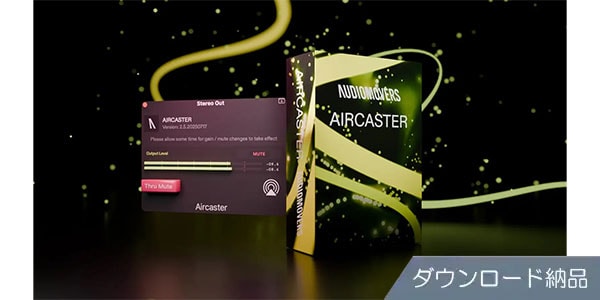
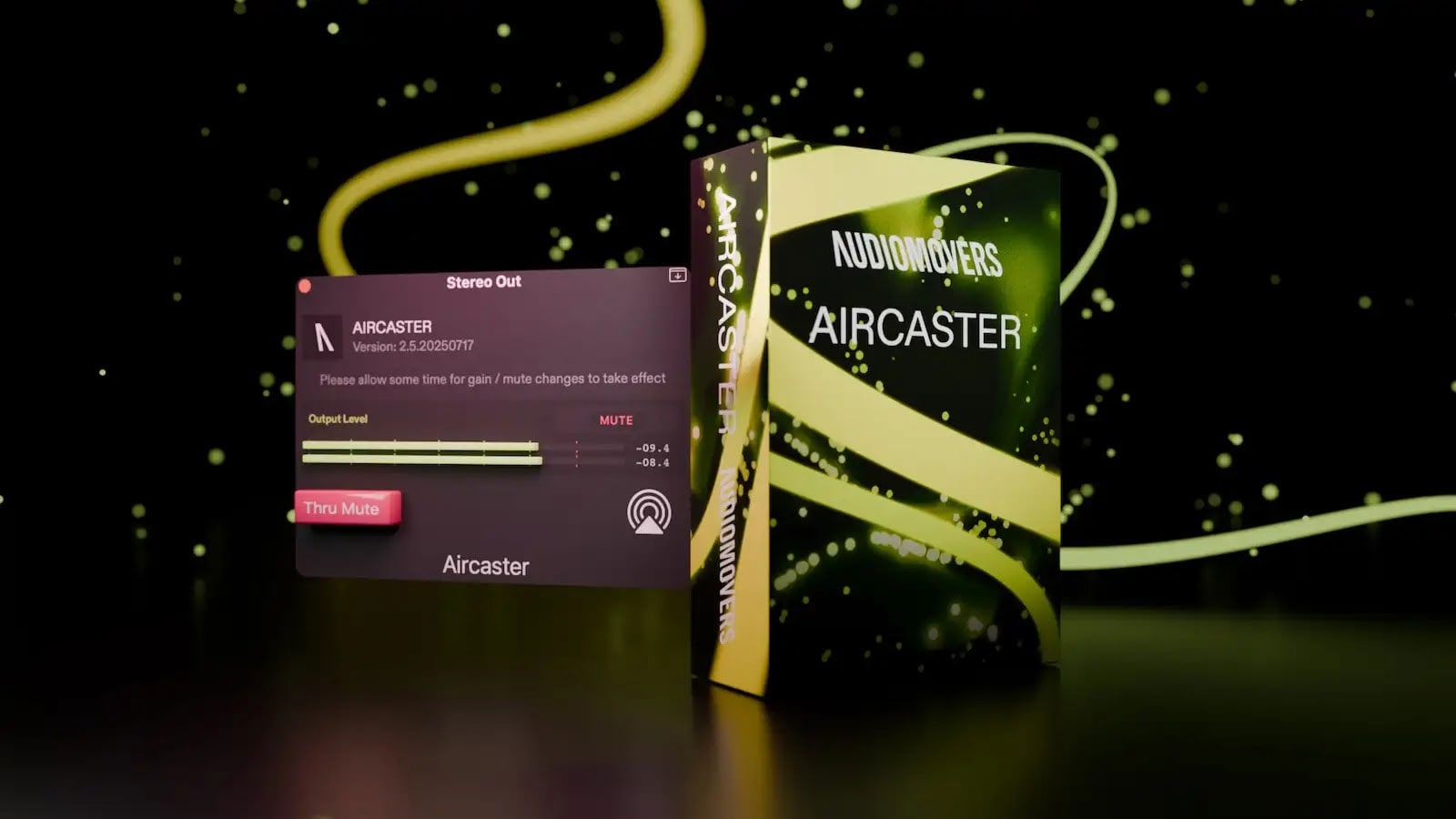


Play your mix instantly via AirPlay without needing to export it. Delivered as a download.
■ Plugin Software
==================================
■ Download Delivery
・Approximately 10 minutes after completing your purchase, only the activation code will be delivered to your registered email address.
・By activating the received code on the D2R page below, you will receive product installation information via email. (Information can also be displayed by clicking the email icon on the D2R page.)
D2R Page
*If you do not have a D2R page account, please register as a user from ""Register Here"" on the D2R page.
・You can also check the activation code for D2R registration by clicking ""Order Details"" in your purchase history on your Sound House My Page.
*It may take a few minutes for the information to be reflected in your purchase history.
* Clicking ""Support Information"" in ""Order Details"" will display activation information.
* For detailed installation/usage instructions, please contact the manufacturer.
=================================
When checking your mix on various devices, bouncing and exporting audio files is no longer necessary.
Simply insert the AirCaster plugin into a track in your DAW, and you can play the audio directly on AirPlay-compatible devices. No complicated hardware setup or audio routing is required, and you can check on multiple devices.
※This plugin only works on Mac.
■Main Features
・Lightweight and easy to use, no complicated setup required
・Supports playback on multiple devices
・High-quality audio streaming up to 24-bit/48 kHz is possible on AirPlay 2 compatible devices
■Operating Environment
For the latest operating environment, please refer to the distributor FAQ page.
==================================
■ Download Delivery
・Approximately 10 minutes after completing your purchase, only the activation code will be delivered to your registered email address.
・By activating the received code on the D2R page below, you will receive product installation information via email. (Information can also be displayed by clicking the email icon on the D2R page.)
D2R Page
*If you do not have a D2R page account, please register as a user from ""Register Here"" on the D2R page.
・You can also check the activation code for D2R registration by clicking ""Order Details"" in your purchase history on your Sound House My Page.
*It may take a few minutes for the information to be reflected in your purchase history.
* Clicking ""Support Information"" in ""Order Details"" will display activation information.
* For detailed installation/usage instructions, please contact the manufacturer.
=================================
When checking your mix on various devices, bouncing and exporting audio files is no longer necessary.
Simply insert the AirCaster plugin into a track in your DAW, and you can play the audio directly on AirPlay-compatible devices. No complicated hardware setup or audio routing is required, and you can check on multiple devices.
※This plugin only works on Mac.
■Main Features
・Lightweight and easy to use, no complicated setup required
・Supports playback on multiple devices
・High-quality audio streaming up to 24-bit/48 kHz is possible on AirPlay 2 compatible devices
■Operating Environment
For the latest operating environment, please refer to the distributor FAQ page.
商品レビューProduct Review




不適切な投稿として報告しますか?
理由
ご協力ありがとうございました
投稿を削除しますか?
投稿されたレビューを削除しました。
Audiomovers
AirCaster Download Delivery
Item ID:382742
9,130 yen(incl. tax)

91Pt(1%)Detail
- 91Pts
通常ポイント
- 91Pts
Total
 Download
 Only the serial number will be sent to your registered email address. Orders cannot be changed or cancelled after they have been placed by the customer.
- In Stock
- In Stock, can be shipped when order is confirmed.
- Low Stock
- Low Stock, may be sold out soon.
- Scheduled date
- Expected to arrive at Sound House on this date.
- TBA
- Expected date of arrival at Sound House to be determined.
- Back Order
- It needs to be orderd from the manufacturer. Please inquire about the estimated date of arrival.
- Mfr. Delivery
- Must be ordered from manufacturer. Please inquire about the estimated date of arrival.
- Download
- Only the serial number will be sent to your registered email address.
- Special Order
- Made to order item or must be ordered from manufacturer. May take several weeks or months.
- No Longer Available
- Product is no longer available due to having been discoutined or other reasons.
Rating


この商品に関連するセレクションRelated Articles



-
 Discount Sale
-
 Outlet
-
 New Arrivals
-
 Podcast (streaming)
-
 Headphones / Earphones
-
 Microphones
-
 Wireless Equipment
-
 Speakers
-
 Power Amps
-
 Mixers
-
 Processors
-
 Portable PA Systems
-
 Recorders
-
 Karaoke
-
 Guitars
-
 Basses
-
 Ukuleles
-
 Drums & Percussion
-
 Pianos / Synthesizers
-
 Wind Instruments
-
 Stringed Instruments
-
 Japanese Instruments
-
 Harmonicas, Other
-
 Software
-
 DJ & VJ
-
 Stands
-
 Cables & Connectors
-
 Racks & Cases
-
 Lighting
-
 Stage & Truss
-
 Video Equipment
-
 PC PERIPHERALS
-
 Power Supplies
-
 Studio Furniture
-
 Household Items, Other
-
 Alcoholic Beverages
Search by Brand
Brand List








- Sound House
- 〒286-0825 14-3 Shinizumi , Narita City, Chiba
- Monday-Friday 10:00-17:00
- Narita Call Center
- TEL. 0476-89-1111
- FAX. 0476-89-2222
- Tokushima Call Center
- TEL. 0885-38-1111
- FAX. 0885-38-1100
- Showroom Hours
- Monday-Friday 10:00-17:00
closed on Saturdays, Sundays and Holidays


© Sound House

すべてのレビューを見る